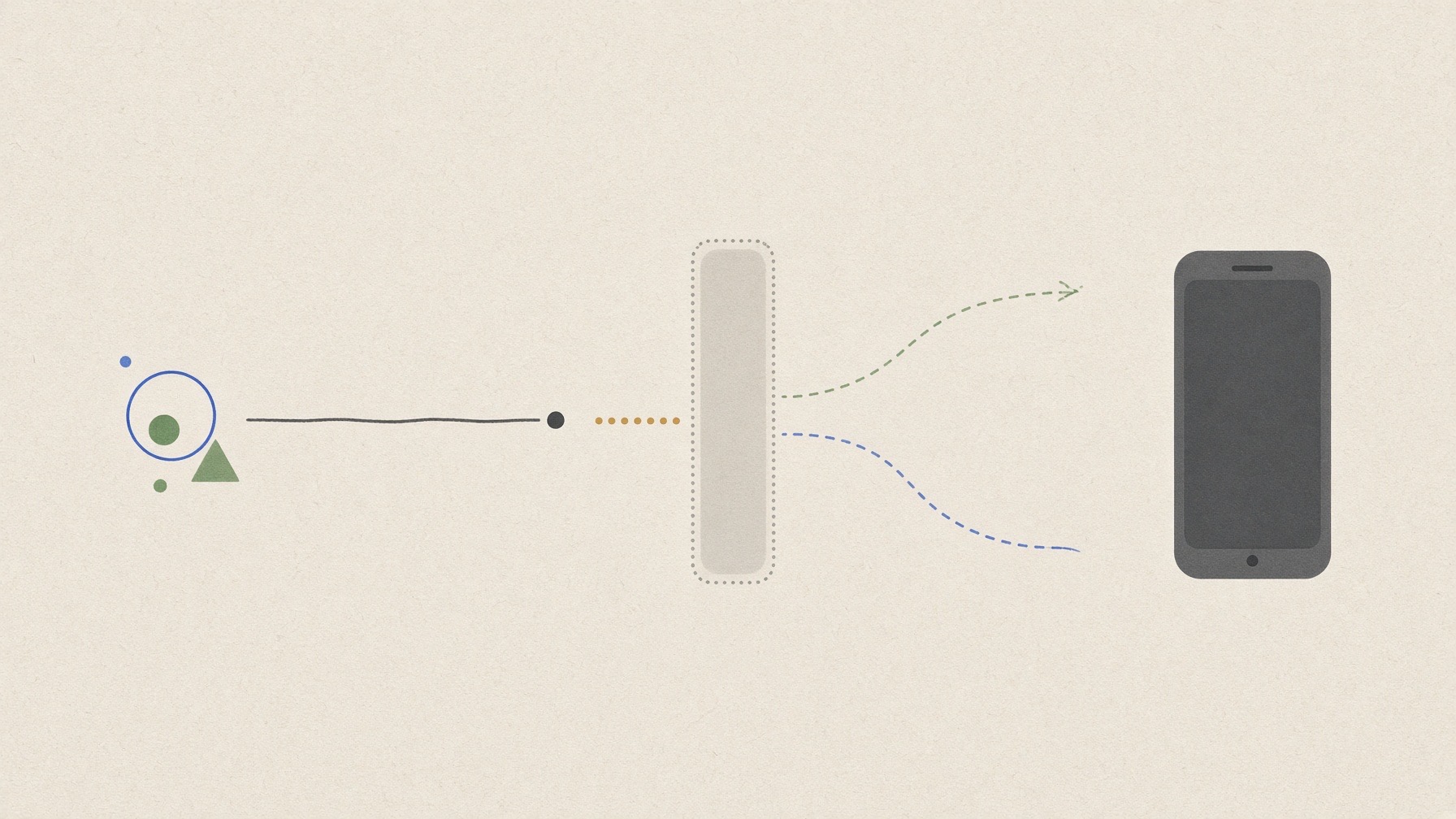
I stopped before generating the app because neither of the two preselected phone routes had been shown to be ready. As a result, I never reached the stage of running anything on a physical phone.
This is therefore not a story about a prompt-built app succeeding or failing on a phone. It is a report on limits: what should be checked before generating code, so that a preview is not mistaken for evidence from a physical phone.
In this article
“I made an app” hides five different stages
A generated screen and a convincing preview can feel like a finished app. Once a physical phone becomes the standard, however, the process separates into five stages:
- Generate: an AI turns the requirements into source code.
- Build: package the code in a form the phone can accept.
- Install or open: install an app-specific development version, or open the project inside the already-installed Expo Go app.
- Reach the phone: the exact code version just generated appears on a physical phone.
- Validate usability: repeat the flow with fingers, the real keyboard, long Korean text, and defined reopen conditions.
Expo's build-with-AI tutorial describes an official path from an AI coding agent to opening a project on a phone. Its development guide explains how a physical device can open a project from a development server using a QR code. However, Expo's workflow overview makes clear that Expo Go is a limited environment for learning and prototyping. Opening a project there is not evidence of a store-ready build.
The physical-phone test I planned
The planned test app was an offline Korean checklist with no server, login, personal data, or permission request. The frozen plan called for adding, editing, completing, and deleting fixed, predefined items across three runs.
It would then check whether the save button could be tapped five times with the keyboard open; whether the main tap targets met the finger-size guidance of 44×44 points on iOS or 48×48 dp on Android guidance; whether long Korean text and text mixing Korean, Latin letters, and numbers displayed without breaking. Switching the app to the background, reloading its screen, and reopening it three times after a full quit were treated as separate items.
Those numbers are not results. They are criteria frozen before execution. No physical-phone screen, tap record, or saved-state result was collected. The planned exploratory feedback from two people was also not collected.
What the pre-run check found
On September 13, 2026, I checked only the presence of local tools and configuration without changing the environment.
| Check | Observed fact | What it does not mean |
|---|---|---|
Base tools |
Node v24.19.0, npm 11.17.0, pnpm 11.19.0, and Xcode 26.6—tools for working with app code—were present |
a phone route was ready |
Expo route |
no Expo command or project folder for this test was present |
Expo cannot be used in general |
Android USB route |
Android SDK, ADB, and a usable Java runtime were absent |
an Android app failed |
Apple device list |
12 iOS simulators appeared in a shut-down state, with zero connected iPhone/iPad entries |
no Expo Go route over the local network (LAN) existed |
A simulator—a virtual phone on the computer screen—can show some of how screens look, but it cannot answer this article's physical-phone question. It cannot stand in for finger operation, the phone's keyboard, or the state of a physical device. I did not boot one to fill the evidence gap.
One route was unproven; the other was ineligible in this environment
The first route required Expo Go to be already installed on a phone and usable over the same LAN. Whether Expo Go was on the phone at all, whether its version matched the project, whether it would connect directly over the same network without an external relay, and whether the screen could be recorded without personal information appearing—all of this remained unknown.
The second route required an already prepared Android USB-debugging setup. The current environment did not contain the Android SDK, ADB, or a usable Java runtime, so using that route would have required installing or configuring tools. I also did not check whether a phone was set to trust this computer.
The decision was do not start, because the ability to run the test was not proven (NO_GO_CAPABILITY_NOT_PROVEN). This is different from a generated app being blocked on its way to a phone or its function turning out wrong. There was no first generated code version to test at all.
Why I did not manufacture a substitute
Running the Expo command or installing Android tools might have opened the next step, but it could also download packages and change the environment. Unlocking, connecting, pairing, trusting, or granting permissions on a phone is a separate device action. Build and distribution services that require an account or signing, and app-store routes, were outside this test's safety boundary.
I also did not make a static screen image or a mock app on the computer. Such things could illustrate an interface, but they would not show that the exact prompt-built revision ran on a physical phone. A QR code, build log, Expo Go home screen, or simulator image also cannot stand in for evidence that the generated app's screen was actually reached on a physical phone.
Three checks to make before generating
If you plan a similar test, separate these three questions first:
- Route: Is an app such as Expo Go already installed? Can you build the project for an SDK version it supports? Can you record whether the connection is direct on the same network or passes through an external relay?
- Boundary: Where will you stop if the path asks for login, payment, signing, store access, a new permission, or device trust?
- Evidence: Did the exact code version just generated reach its app screen on a physical phone? Only then should function, keyboard, touch, Korean text, and reopen behavior be assessed.
The smallest next condition is a limited check on a physical phone that already has Expo Go: confirm its version and a connection over the same local network, with no installation, login, payment, or new permission. After that, a project built for a matching SDK version and the ability to record the screen without personal information appearing would also have to be shown. If Expo Go is not already present, that condition simply is not met; this is not an instruction to install it. These are conditions for a future run, not actions performed for this article.
The title question therefore still has neither a “yes” nor a “no.” Even a future pass would apply only to one recorded phone and setup on that date. The lesson this halted test supports is narrower: evidence for the physical-phone route has to come before the generate button is pressed, and when that evidence is missing, the honest result is to stop rather than invent an app outcome.
AI was used to assist with research and drafting. The author independently verified and edited the final article.


답글 남기기