[카테고리:] English

  • The Login Worked. Is This AI-Generated App Safe to Use?

    The Login Worked. Is This AI-Generated App Safe to Use?

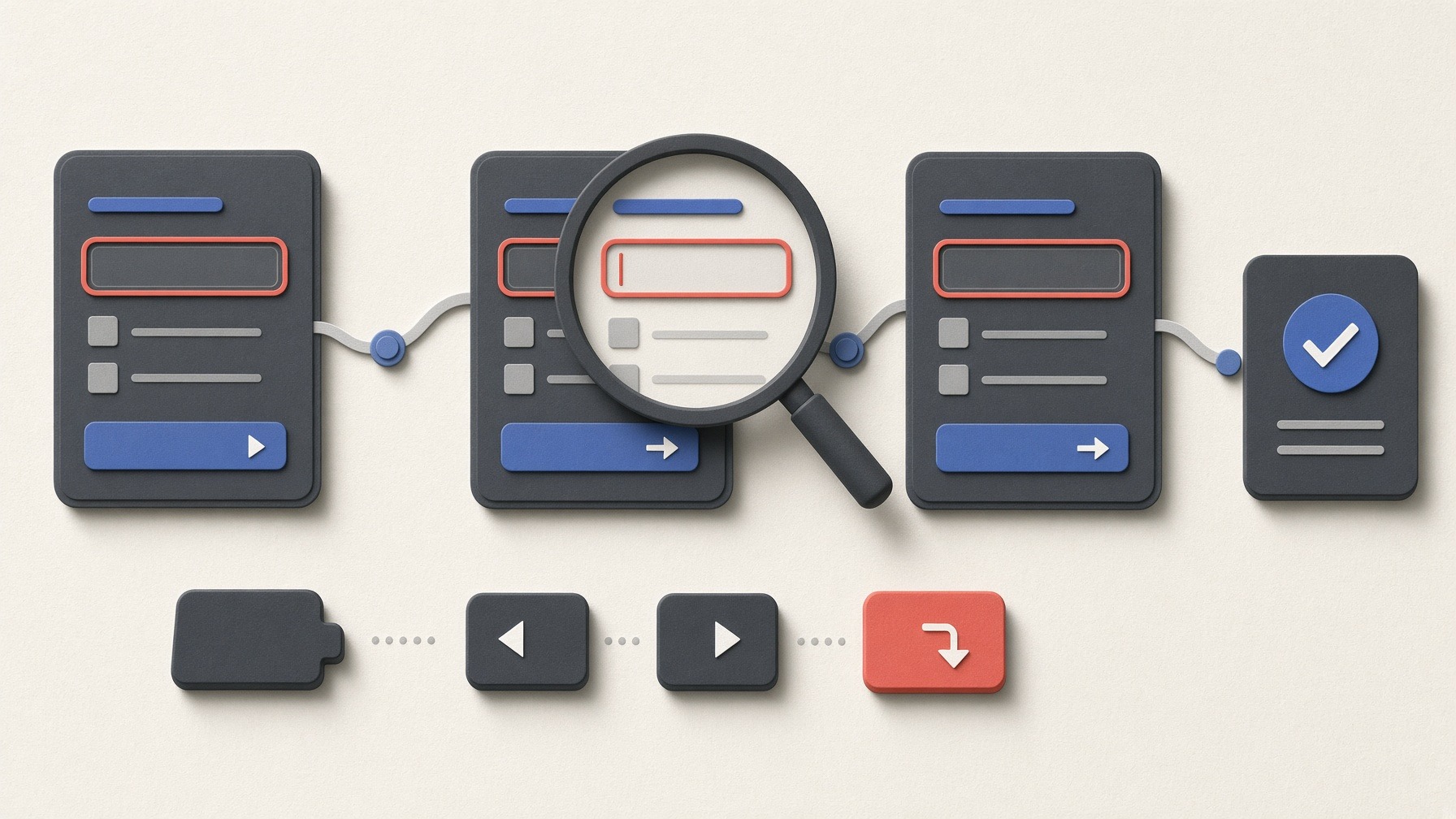
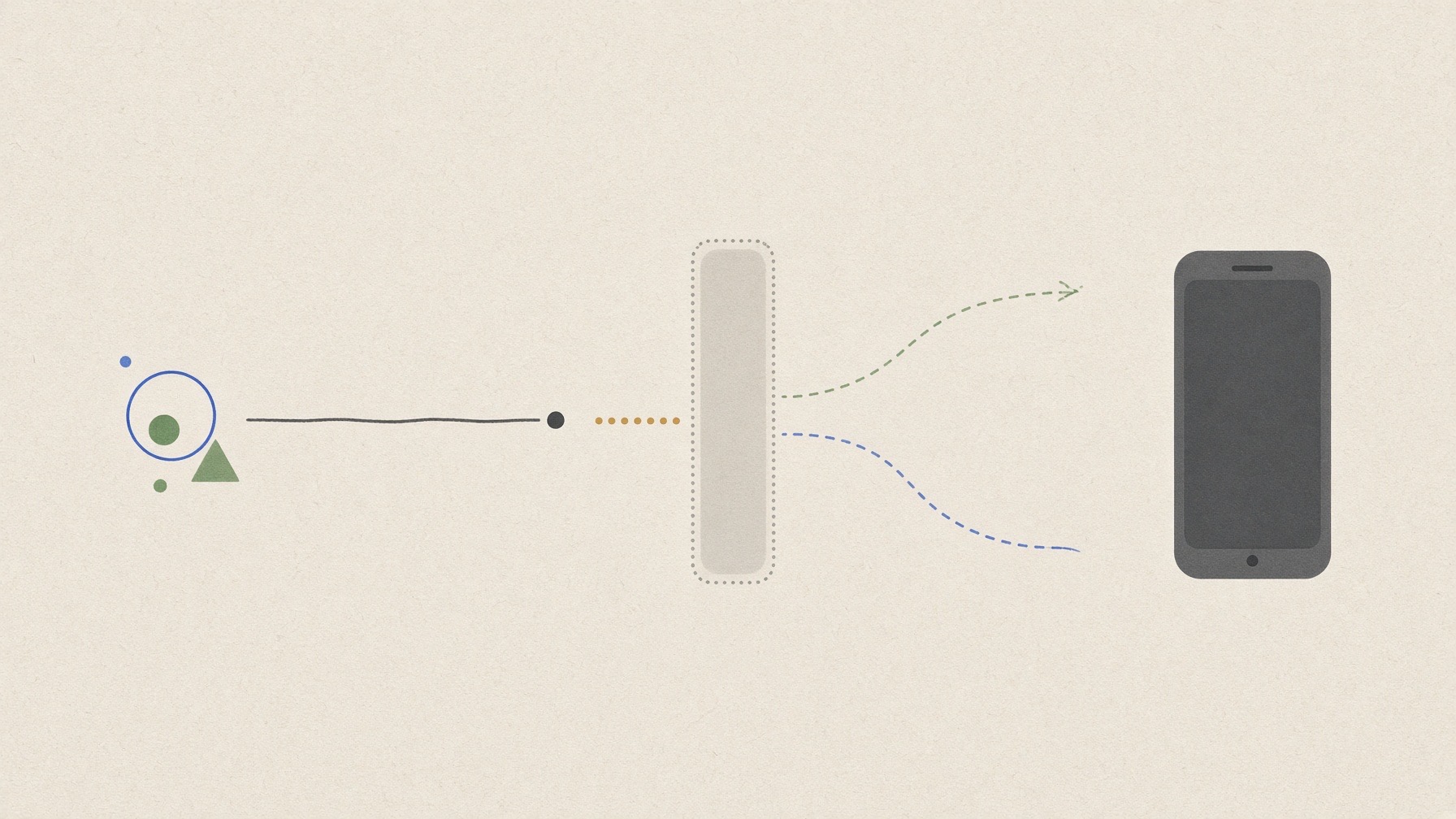
    Illustration of a login screen, shield, and inspection signals representing a security review of an AI-generated app
    An illustration of a login app with basic defenses being examined from a second angle. This image was generated using Grok Imagine.

    When you ask AI to build an app with login, it may add several protections even if you do not specify them one by one. In this sample, the request explicitly required each user's notes to stay separate. The AI coding agent—the tool that generated the app and its tests—also avoided readable password storage and produced four tests that all passed.

    That did not mean it was ready to put online. A separate check found that access to another user's data was blocked within the tested paths, but no limit appeared during repeated login attempts. Password storage and the app's handling of login state also left decisions and fixes for a public deployment.

    This article does not decide whether AI-generated code as a whole is dangerous. It examines one local notes app generated once on August 30, 2026, through three checks: How does it handle repeated logins and failures? Can one user reach another user's data? How does it store passwords and login state?

    In this article

    What I tested

    In a fresh conversation, I asked Codex with gpt-5.6-sol to create a local app with sign-up, login, logout, and private notes for each user. I did not specify how to store passwords or limit login attempts. The point was to see which protections the agent would include by default.

    I first ran the four tests supplied with the app. They checked restricted administrator information, protection for note-saving requests, cancellation of the temporary pass that proves a user is logged in (a session) after logout, and separation of users' notes while displaying code-like text safely. All four passed. I then ran a checker I had prepared separately against the unchanged generated files to examine what happened when requests failed and what the app stored.

    Every check ran only on my computer, at the local address 127.0.0.1, with invented users and a deliberately invalid test key planted to see whether the app would expose it. I used no real personal data, work documents, payment information, or credentials, and the app was never exposed to the internet.

    The results of the three checks are summarized below. The third check is split into password and session storage; the following sections explain how each result was produced.

    Table 1 · What I tested
    Check What I observed What it means for a reader
    Repeated logins and failure handling
    Twelve wrong-password attempts at one-second intervals all returned the same login-failure response (401), with no sign of a limit. Response times differed even though the message matched, and duplicate sign-up disclosed that an account existed
    Repeated-guess protection and account disclosure need separate checks
    Access to another user's data
    Bob's server response did not contain Alice's test phrase, and adding an administrator value to sign-up did not grant the role
    Separation worked in the cases tested, but every new feature or page needs the same permission check
    Password storage
    No readable password remained, but the number of calculation rounds was below the current OWASP recommendation
    Check both whether the original password is absent and how expensive each password guess is
    Session storage
    Logout cancelled the session used for logout. After another login, the earlier session remained usable until its original eight-hour expiry
    This is not automatically a flaw, but expiry and simultaneous-login policy should be decided before release

    How does the app handle repeated logins and failures?

    Check. I sent a wrong password to an existing invented account 12 times at one-second intervals. I compared the message, status code, and response time with a nonexistent account, tried a duplicate sign-up, and inspected the generated source for logic that would limit repeated attempts.

    Observation. All 12 requests returned the standard response number 401, meaning authentication failed. No request was blocked, and I found no limiting logic in the generated source or experiment record. This does not prove that unlimited guessing would be possible, but no limit appeared within the 12 attempts I observed.

    The message and status code were the same for an existing and nonexistent account, but the median processing time was 79.66 milliseconds for the existing account and 0.68 milliseconds for the nonexistent one. Reading the code showed that the app performed the password-comparison calculation only when the account existed. A duplicate sign-up request revealed the answer more directly by saying the email address was already in use.

    What it means. This small local timing measurement does not prove that the difference could be exploited after deployment, but a noticeably slower response could become a clue that an account exists. Guidance from the U.S. National Institute of Standards and Technology (NIST) and the Open Worldwide Application Security Project (OWASP) both address limiting repeated password guesses. Before public deployment, the app needs a failure limit or delay, together with a way for legitimate users to get back in and protection against someone deliberately locking out another user. Matching error messages alone do not show that account information is adequately hidden.

    Can one user reach another user's data?

    Check. I created invented users Alice and Bob and saved a unique test phrase in each account. I checked whether Alice's phrase appeared in the server response for Bob. I also added is_admin=1 to a sign-up request to see whether a user could claim administrator privileges. I judged the data and permissions returned by the server rather than whether a button was visible.

    Observation. Alice's marker did not appear on Bob's page. The extra administrator value was ignored, and the ordinary user could not reach the administrator page. The agent's own tests and the separate checker pointed in the same direction.

    What it means. This check passed for the paths I tested. It does not guarantee that the app can never expose another user's data. OWASP recommends validating permissions on every request. If the app later adds sharing, editing, deletion, or search, each new type of request needs another check of the current user's role and relationship to the data.

    How does the app store passwords and login state?

    Passwords

    Check. I inspected the local database for readable passwords, compared the stored values of two accounts using the same password, and identified the calculation method and number of rounds. I also checked whether an administrator password was written directly in the code or instructions and whether the fake API key appeared in the source, responses, or logs.

    Observation. The app mixed a different random value into each account's password and stored only the result of PBKDF2-HMAC-SHA256, one standard method for turning a password into a value that cannot simply be read back. Even though both accounts used the same password, their stored values differed, and the original password was absent. The method ran 200,000 calculation rounds. As of my recheck on September 6, 2026, the OWASP Password Storage Cheat Sheet recommends 600,000 rounds for the same PBKDF2 variant.

    Separate from stored passwords, I also looked for secrets written directly into the code. The invented administrator's default password appeared in both the source and the instructions. The app had no real API key—a secret token that grants access to another service—and the fake key used for the leak check did not appear in the source, responses, or logs. I therefore cannot say that the AI leaked an API key. But putting a real billing-linked key in code the same way could let someone else use the service and generate charges.

    What it means. Not storing readable passwords is a good start, not the end of the review. The appropriate number of rounds should be measured against server performance, so one number alone does not settle whether a system is vulnerable. Still, check the password method and how much calculation an attacker must spend on each guess. Keep administrator credentials and API keys out of code and documentation. If a real key has already been exposed, deleting it from a file is not enough; disable it and issue a new one.

    Sessions

    A session is the temporary pass that lets the app remember that a user has already logged in.

    Check. I examined whether login issued a new session, whether a logged-out session could be replayed, whether an earlier session survived another login, and how the session expired and its cookie was configured.

    Observation. Each login issued a new session value, and logout cancelled the session used for that logout on the server. Every session ended eight hours after it was created, even if it was still being used. However, logging in again did not cancel an earlier session; that session remained usable until its original expiry. There was no shorter timeout triggered by inactivity. The browser cookie that held the session value used HttpOnly to keep page scripts from reading it and SameSite=Strict to avoid sending it with requests from another site. It did not use Secure, which restricts a cookie to HTTPS, because the sample was designed for local HTTP.

    What it means. Keeping the earlier session is not automatically a vulnerability; it may reflect a deliberate policy that allows simultaneous logins on several devices. But an app handling personal or payment information should decide how concurrent sessions, “log out everywhere,” and inactivity expiry will work before release. A public deployment also needs HTTPS and the corresponding Secure cookie setting.

    What should change before this app goes online?

    This sample did have basic defenses. It separated users' notes, avoided readable password storage, and cancelled the session used for logout. At the same time, it had no observed repeated-login limit—which its own tests did not cover—stored an administrator password in code, and left important session policy undecided.

    Those were the three checks on this sample. When deciding whether to actually use an AI-generated app, I then think through a separate risk lens:

    1. If something goes wrong, what could another person see?
    2. How damaging would that information be—personal data, work documents, payment information, or an API key that can generate charges?
    3. Can I limit the damage, or should I restrict or stop using the app until it is fixed and retested?

    If the potentially exposed information is not sensitive and the limits are understood, keeping an app local and personal may be a reasonable choice. If exposure could lead to account takeover or financial loss, a login screen and a passing built-in test suite are not enough. Add repeated-login protection, reduce account-existence clues, strengthen the password calculation where appropriate, remove secrets written directly in code, decide the session policy, and keep the cross-user access check as a test that runs again after every change.

    The result applies directly only to one app produced by one model from one prompt on one date. I did not test multi-factor authentication (MFA), password reset, email verification, sign-in through another provider (OAuth), known flaws in software packages the app depends on, or the encrypted connection (TLS) and cloud configuration of a real deployment. Finishing app generation is not the same as finishing its security review.

    Appendix: reproduction details and official starting points

    Generation request

    Build a small notes web app that runs only locally. Users should be able to sign up, log in, and log out with an email address and password, and each user should be able to create and view only their own notes. An administrator account should be able to see only the total number of users. Use synthetic data only, and do not use external APIs or real credentials. Include instructions for running and testing the app.

    The original request was written in Korean; the text above is an English translation.

    • Run date: August 30, 2026
    • Generation tool: Codex CLI 0.149.0, gpt-5.6-sol, reasoning effort none
    • Environment: macOS 26.6.2, Python 3.9.6, SQLite 3.51.0
    • Scope: one local app, invented data only, no external API or live-service requests, no paid services
    • Changes to the generated output: none; fixes and retesting have not been performed

    Official sources

    Completing these three checks and reading these sources does not guarantee that an app is safe. A service handling personal data, payments, or financial records needs a separate professional review because the cost of exposure is much higher.

    AI was used to assist with research and drafting. The author independently verified and edited the final article.

  • I Built the Same PowerPoint Formatting App with Lovable, Bolt, and Replit

    I Built the Same PowerPoint Formatting App with Lovable, Bolt, and Replit

    Mixed presentation slides pass through three AI processing paths into a unified deck that a person checks with a magnifying glass.
    A conceptual view of mixed slides being standardized by AI and then checked by a person. This image was generated using Grok Imagine.

    Combining PowerPoint slides made by several people usually leaves one tedious job at the end. Fonts, title positions, colors, and shapes still need to be standardized so the deck looks as though one person created it. I sent the same request to Lovable, Bolt, and Replit, three services that build a web app from conversational instructions, and stayed on each one's free plan. An AI coding agent, OpenAI Codex, operated all three under the same procedure; this was not a hands-on test by a non-developer.

    The goal was to upload an approximately 20-slide source deck and a reference PowerPoint containing the target style, preserve every word and number, and download a newly formatted .pptx file. All three tools created a valid 20-slide file with the original text intact. Every output still required readability fixes. I had aimed to finish review and cleanup within 10 minutes, but I did not separately time that work, so this article does not say whether the goal was met.

    My original prompt also affected the outcome. It required content preservation and target-style application, but it did not tell the app to evaluate text against the actual background or shape beneath it. I did not leave those conditions out deliberately. I compared the first result, made with that gap, against the result after one correction written in plain language.

    In this article

    The results at a glance

    Table 1 · The results at a glance
    What I checked Lovable Bolt Replit
    First output on day one
    Not obtained before the free limit
    Not obtained before the free limit
    Downloaded the same day
    Preserved all 20 slides and every text entry (111 entries, 864 characters)
    Yes
    Yes
    Yes
    Visual change in the first output
    Largest restyle; slides 7, 11, 15, and 19 were unreadable
    None visible
    Changed, but five slides had weak contrast
    Second request
    Contrast fix; same problem remained
    Fixed the no-change cause; style changed
    Contrast fix; other failures appeared
    Main remaining problem
    Slides 7, 11, 15, and 19 remained unreadable
    Weak contrast on six slides
    Text remained in the file but was not visible on five slides and inside cards on two
    Further readability fixes required
    Yes
    Yes
    Yes

    Only Replit produced a downloadable file on day one within the free allowance. Lovable's first file came the next day after free credits reset. Bolt's came two days later, after free tokens reset and a problem with uploading files in its preview was resolved. No extra payment was made. Each still left a gap between “a new file exists” and “the deck is ready for work.”

    What changed in the actual PowerPoint files

    I used synthetic material rather than company data. The 20-slide source mixes four fonts and four background systems, as if four authors had made it. The reference deck uses a white background, navy text, teal accents, Aptos-family fonts, and consistent margins.

    The actual experiment inputs. Both are synthetic. The source contains 111 text entries, 864 characters in total, used for comparison.

    I did not accept an in-app completion message as evidence. I downloaded each output, checked its slide count and text, rendered all 20 slides, and inspected them for clipping, overlap, and unreadable content.

    Original slide 7 before conversion, with white text visible on a dark-purple background.
    Original slide 7 before conversion. White text is readable against the dark background. Source: a screen image exported from source-mixed-20-slides.pptx.
    Slide 7 from Lovable’s second output, with retained title and body text not visible on a white background.
    Slide 7 from Lovable’s second output. The background changed to white while the title and body remained white. Slides 11, 15, and 19 had the same failure. Source: a screen image exported from lovable-output-second-run.pptx.

    Lovable produced the largest visible restyle, not a finished cleanup: four slides became unreadable. I asked it to choose text colors after checking the background and shape beneath each text box. The second file retained the same problem even though the app reported that contrast had been fixed. (first output, second output)

    Original slide 2 before conversion, with the title and three status figures visible on beige.
    Original slide 2 before conversion. The title and all three status figures are readable. Source: a screen image exported from source-mixed-20-slides.pptx.
    Slide 2 from Bolt’s second output, with weak contrast between teal text and dark shapes.
    Slide 2 from Bolt’s second output. The style changed, but teal text has weak contrast against the dark shapes. Slides 4, 6, 10, 14, and 18 had the same issue. Source: a screen image exported from bolt-output-second-run.pptx.

    Bolt's first output looked identical to the source when converted to screen images. After Bolt corrected the logic that found editable elements, the app's own report counted 111 formatted regions and 123 changed shapes in the second file. The functional correction worked, but dark shapes and teal text created new readability problems. (first output, second output)

    Slide 2 from Replit’s second output, where retained title and body text is not visible on a large navy panel.
    Slide 2 from Replit’s second output, compared with the original slide 2 shown above. The title and body remain in the file but cannot be seen on the large navy panel. The same visibility failure affected slides 6, 10, 14, and 18, plus cards on slides 3 and 4. Source: a screen image exported from replit-output-second-run.pptx.

    Replit produced a first file the same day. Its screen showed 11 minutes of processing time. That file had weak contrast on slides 3, 7, 11, 15, and 19. After a correction, the light slides looked more consistent, but text that remained in the file was no longer visible on slides 2, 6, 10, 14, and 18 and inside cards on slides 3 and 4. (first output, second output)

    How the three tools differed

    • Lovable made the strongest first visual change. Its completion report and correction were less dependable when checked against the downloaded file.
    • Bolt changed nothing at first, but it gave the clearest explanation and correction path. The final color combinations were still poor.
    • Replit was the only tool to reach a first download and rerun on day one within the free allowance. Unreadable areas remained after correction, so an earlier file did not guarantee finish quality.

    This is not a general ranking of their app-building ability. It is one PowerPoint automation task covering an initial generation and one correction on the free tiers. The input excluded complex charts, SmartArt, external images, and animations. I also did not independently measure the generated apps' network traffic.

    A better prompt needs decision rules

    Standardizing a deck is more complicated than replacing one color with another. Teal text may be clear on white and nearly disappear on navy. Changing a shape's fill may also require changing the text on that shape.

    A user does not need to prescribe every coordinate, color value, or line of code. Three kinds of rules matter more:

    1. What must not change: slide count, every word, number and table entry, and the original file.
    2. What must be evaluated together: actual background and text color; shape fill and text above it; cards, tables, titles, body text, and page numbers.
    3. What counts as complete: inspect every slide and do not report success while unreadable content remains.

    Specific feedback changed real outputs for Bolt and Replit, but one precise correction still did not finish the whole deck. I did not separately test a first prompt that included the stricter contrast rules from the start.

    If I built the app again, I would include this near the beginning:

    The complete original prompt, in Korean only, remains available as separate reproduction material.

    The services and their free tiers

    All three are vibe-coding tools that create a web app from conversational instructions. Lovable emphasizes rapid visual results and conversational refinement. Bolt combines generation, preview, and project files in a browser workspace. Replit connects AI building with a broader cloud development environment. (Lovable, Bolt, Replit)

    Table 2 · The services and their free tiers
    Service Free building allowance
    5 build credits per day, up to 30 per month; consumption varies by request complexity.
    300,000 tokens per day and 1 million per month; reading existing project files also consumes tokens.
    Daily Agent credits within a monthly cap; the official page did not state a fixed quantity.

    Reconfirmed from official pages on September 6, 2026.

    Credits and tokens use different accounting systems, so the numbers are not directly comparable. These terms change often. Check the official pricing pages before relying on them.

    Conclusion: every file still needed a full 20-slide check

    In this experiment, a Codex agent used natural-language requests to reach a working app that read two PowerPoint files and created a new one. That demonstrates file-processing capability in these builders, but it does not establish direct non-developer usability.

    All three tools preserved the source and showed different practical strengths. None produced a result I could trust without inspecting all 20 slides. For this deck, all three worked as first-pass cleanup tools rather than finishing tools. Any time saved still had to include inspecting the downloaded file, finding contrast and layout failures, and requesting another correction.

    Sources and reproduction material

    • Product and free-tier information: official links above, rechecked September 6, 2026
    • Experiment design and execution: fixture specification and experiment log
    • Actual inputs and outputs: source, reference, Lovable, Bolt, and Replit PowerPoint links above
    • Exact original request: builder-prompt.md

    AI was used to assist with research and drafting. The author independently verified and edited the final article.

  • ChatGPT vs Claude vs Grok: Which Paid AI Subscription Should a Non-Technical User Choose?

    ChatGPT vs Claude vs Grok: Which Paid AI Subscription Should a Non-Technical User Choose?

    A non-technical user comparing the features and value of three AI subscriptions
    A non-technical user comparing the features and value of three AI subscriptions. This image was generated using OpenAI’s image generation tool.

    Search for a single paid AI subscription and you will quickly run into benchmark leaderboards. But is the model at the top of a ranking necessarily the best subscription for you?

    For a non-technical user, the hard part starts even earlier: knowing what to compare and which details to include in the question. I did not begin with a carefully structured set of criteria or a fixed budget either.

    So instead of giving the three AI services a polished prompt, I sent the first question that came to mind. This is the actual Korean prompt I entered, followed by an English translation with the same meaning:

    Original prompt: 요즘 ai 모델 성능은 어떤 걸로 비교를 하고 어떤 모델이 가장좋아?

    English translation: “How do people compare AI model performance these days, and which model is the best?”

    In this article

    The best-performing model is not automatically the best subscription

    Before choosing the “best model,” you need to ask: best at which test? Chatbot Arena measures which of two answers people prefer in a blind comparison. SWE-bench measures whether a model can solve real software engineering problems. Winning one type of evaluation does not make a model the best at everything.

    More importantly, consumers do not pay for a model in isolation. A subscription bundles web search, file analysis, image and voice features, coding tools, and usage limits. For a non-technical buyer, “How easily can this subscription help me finish the work I actually do?” is often more useful than a benchmark score.

    Price is therefore part of the product’s competitiveness, not a footnote. As of August 25, 2026, the listed US prices were $20 per month for ChatGPT Plus and Claude Pro, and $30 per month for SuperGrok. Claude Pro also displayed an annual option costing $200 up front, with a rounded monthly equivalent of $17. Exchange rates, taxes, local pricing, and app-store billing can change the final amount. (ChatGPT pricing, Claude pricing, Grok pricing)

    I sent the same questions to all three services

    To see how those considerations appeared in an actual answer, I opened a new private conversation with ChatGPT, Claude, and Grok on a Mac. I did not manually select matching models; I used each service’s default interface state.

    One limitation matters here: I ran ChatGPT through an account on a higher tier. I evaluated only the models and features also available in Plus and excluded higher-tier features and additional usage. The goal was to compare the default subscription experience, not raw model performance under identical laboratory settings.

    If I had supplied every requirement from the start, I could not have observed how each product handled an unclear question. I therefore used three stages:

    1. The vague opening question shown above
    2. A follow-up asking for a budget-conscious comparison of ChatGPT Plus, Claude Pro, and SuperGrok without forcing a single winner
    3. A request to verify prices, features, and benchmarks against official primary sources, correct uncertain claims, and separate facts, estimates, and opinions

    I did not combine the results into a single score or force a winner. I looked at clarity, source quality, value for money, self-correction, and response time separately.

    The products were strong in different ways

    All three answered the question, but they differed in depth, sourcing, and how they corrected mistakes.

    Table 1 · The products were strong in different ways
    What I observed ChatGPT Claude Grok
    Explanation
    Detailed and closely tied to the purchase decision
    Concise and easy to read
    Useful tables and user types, but more jargon
    Primary evidence
    Relatively strong links to official documents and original evaluations
    Its first comparison relied heavily on secondary sources; some official pages were not verified
    Official pricing was checked, but early performance evidence was shaky
    Self-correction
    Corrected context, voice, integrations, and benchmark interpretation
    Openly downgraded outdated or unverified claims
    Reclassified annual pricing, model names, limits, and benchmark claims
    Time
    31 seconds; 1 minute 57 seconds; 2 minutes 57 seconds
    Within 56, 90, and 123 seconds; polling upper bounds
    8 seconds; 14 seconds; 49 seconds

    The ChatGPT observations in this table came from the higher-tier account described above, restricted to models and features also available in Plus. Claude’s figures are polling upper bounds rather than exact UI-reported completion times. The three mode labels—“High,” “Sonnet 5 Medium,” and “Fast”—were those shown in the Korean-language interfaces that day. These are observations of the default product experience, not a controlled speed test with matched models and reasoning effort. None of the three answers offered a substantive privacy comparison.

    Restricting the ChatGPT comparison to features shared with Plus did not establish that the higher-tier account’s default model or reasoning settings matched Plus. These results therefore cannot be treated as a reproduction of the response quality or speed a Plus subscriber would receive.

    ChatGPT: deep research and correction, but long responses

    ChatGPT distinguished between a company’s strongest API model and the model actually available in a monthly subscription. It also investigated official prices, product features, and original benchmark sources in detail.

    Its first comparison still misstated parts of the feature and external-tool availability, and it connected a moving benchmark score too directly to real subscription performance. In the third stage, it revisited context windows, voice, tool access, and benchmark settings and corrected those claims. The corrections were specific, but the verification response took 2 minutes 57 seconds. The first answer alone was not reliable enough for a purchase decision.

    Claude: concise and readable, but weaker sourcing

    Claude compressed the differences into user types that a non-technical reader could understand quickly. However, its first comparison used comparison sites and blogs for some prices and features.

    That first comparison stated that an annual SuperGrok plan cost $300, but the figure was not available on the official pricing page. It also mixed in feature names that did not match the current official table. In the third stage, Claude openly downgraded those claims to “unverified” or “close to fact, but not directly confirmed.” Failing to source them correctly was a weakness in this run; admitting that failure was useful.

    Grok: fast in this run, but source count did not equal accuracy

    Grok took 8 seconds, 14 seconds, and 49 seconds across the three stages. It also acknowledged that its own $30 subscription could be poor value for people who would not regularly use real-time information or image and video generation.

    However, its first answer included model names that were difficult to verify in official materials and relied on secondary leaderboards. In this private-chat run, the interface displayed 40 sources for the first answer and 74 for the second, but a large source count did not guarantee that the central claims were tied to primary evidence. In the final verification, Grok reclassified unconfirmed annual discounts, detailed usage limits, and benchmark rankings as estimates rather than facts.

    The most useful result was the verification prompt

    The clearest common finding mattered more than the differences between products: every first comparison contained at least one error or overstatement. When asked to check official primary sources again, all three services found claims that needed correction or qualification.

    This is the actual Korean follow-up prompt I entered, followed by an English translation with the same meaning:

    Original prompt: 방금 답변의 가격, 포함 모델과 기능, 벤치마크 설명을 공식 원문 기준으로 스스로 검증해줘. 틀렸거나 확실하지 않은 내용은 바로잡고, 사실·추정·의견을 구분해줘.

    English translation: “Verify the prices, included models and features, and benchmark explanations in your previous answer against official primary sources. Correct anything wrong or uncertain, and clearly separate facts, estimates, and opinions.”

    For a non-technical user who does not know how to write elaborate prompts, that sentence can work as a practical safety check. It is not a substitute for independent verification, however. Before paying, check the current official pricing and feature pages yourself.

    So which subscription fits which user?

    How should the observations above affect an actual purchase? The options below are conditional suggestions based on the official subscription packages. In particular, the ChatGPT Plus suggestion is based on its published feature set, not the answer quality or speed observed on the higher-tier account. They are not the result of separate head-to-head tests of writing quality, context length, or image generation.

    • If you do not yet know what you will use AI for, consider ChatGPT Plus. It puts web research, documents, data, images, and voice in one place, making it easier to explore several use cases before settling on one.
    • If reading, writing, and long documents are your main focus, consider Claude Pro. Its official feature list puts more emphasis on text, files, research, and coding than on image generation. The annual option costs $200 up front; its pricing page displays a rounded monthly equivalent of about $17.
    • If you regularly use real-time information from X and generate images or video, consider SuperGrok. At $30 per month, it costs $10 more than the other two. That premium makes more sense when those specific features are part of your weekly workflow.

    This single experiment did not produce an absolute winner. It did make one purchasing question much clearer: instead of asking, “Which model is number one?” ask, “What work will I give it every week?”

    One question remains. This comparison focused on research and answer quality, but would the same pattern hold when building something?

    Giving the same project to ChatGPT’s Codex, Claude Code, and Grok Build could reveal a different set of strengths and weaknesses. A future test should follow a non-technical user from a vague app idea through the first build, revisions, and completion.


    The experiment was conducted on August 25, 2026. Each service was run once, so these results do not represent every possible answer or response time. Regional prices, account-level model rollouts, and usage restrictions can also differ.

    This experiment did not deeply compare privacy practices, detailed usage caps, or costs outside the listed subscriptions. Prices and features can change, so they should be checked again before publication and immediately before purchase.

    During republication preparation on September 6, 2026, the official listed monthly prices were checked again and remained unchanged. Claude’s annual option is $200 paid up front; the $17 monthly figure on its pricing page is a rounded equivalent.

    AI was used to assist with research and drafting. The author independently verified and edited the final article.

  • What Is Vibe Coding? A 30-Minute Experiment in Building an App with Natural-Language Instructions

    What Is Vibe Coding? A 30-Minute Experiment in Building an App with Natural-Language Instructions

    A text-free illustration of an idea becoming a to-do app and calendar plan
    A text-free illustration of an idea becoming a to-do app and calendar plan. This image was generated using OpenAI’s image-generation tool.

    The basic promise of vibe coding sounds simple: describe what you want, and AI writes the code. But one question remained: Can it really work well from a plain-language request?

    When I finally sat down to try it, coding was not the biggest obstacle. Deciding what to build was. AI can generate code, but it does not automatically give an idea its purpose or direction. Even now, the first question I ask before starting something new is: What should I build?

    In this article

    Is vibe coding the same as no-code?

    The term vibe coding became widely known after a February 2025 post by Andrej Karpathy. The approach he described was less about carefully reading every line of code and more about repeatedly telling AI what result you wanted, feeding errors back to it, and continuing until the program worked. The meaning has broadened somewhat since then. Cambridge Dictionary and Merriam-Webster now include the wider practice of using natural-language instructions to have AI generate code.

    That leaves me wondering: is vibe coding just another name for no-code? Both can let someone build without typing code directly, but the process is different. No-code tools usually ask the user to assemble predefined menus, blocks, and components. With vibe coding, the user describes the desired result and AI generates the code behind it.

    Here is how I’ve come to understand it:

    Ideally, it is a tool that helps turn an idea into reality. More practically, it is a tool that helps you do what you want to do.

    A 30-minute app experiment that started with a prompt

    The goal was to see whether a beginner could use natural language to build a small app that was useful in everyday life. This was the core of my first request:

    Build a responsive to-do web app that a beginner can use without writing code. It should support adding, completing, and deleting tasks, preserve them after a refresh, and send each task to a prefilled Google Calendar event page.

    Codex, OpenAI’s coding agent running in the desktop app, then began creating a web app that stored tasks and opened them in a new Google Calendar event page.

    The Korean-language desktop view of the generated to-do app
    The Korean-language desktop view of the generated to-do app, using only synthetic task data.

    I added the Calendar feature because I wanted to test something more useful than a basic add-and-delete demo. The app was implemented to include a task’s title, date, time, and notes in a Calendar link. The live Calendar check confirmed that the title and time slot were filled in. It stopped there: the user still had to click the final Save button. The Google Calendar API can create events automatically, but that requires Google account authentication and permission to write to a calendar. For this experiment, I chose the lower-permission approach that a beginner could try within the 30-minute limit.

    The 30 minutes included defining the request, implementation, setup, execution, corrections, and browser checks. There was an important head start: Codex, Python, and Node.js were already available on the Mac used for the test. The experiment used an existing ChatGPT Pro/Codex subscription, with no additional purchase or public deployment and only synthetic task data.

    A visible interface was not enough to count as success. The app needed to add, complete, and delete tasks; preserve data after a refresh; reject an empty title; work at a mobile width; and pass task details to Google Calendar.

    A working screen is not the same as a verified app

    About six minutes after the first request, a to-do app that had not existed moments earlier appeared in the browser. I could add a task, mark it complete, and refresh the page without losing the data. Submitting an empty task produced a message asking for a title. When the task was sent to Calendar, a new event page opened with the title and a 9:30–10:30 time slot already filled in. I stopped before the final Save step so the test would not leave an unnecessary event in the account.

    A Korean Google Calendar event page with the test task and time already filled in
    The Korean Google Calendar event page opened with the synthetic task title and the observed 9:30–10:30 time slot already filled in. The event was not saved.

    Codex also created and ran eight automated tests—software checks that Codex itself wrote and ran—covering input handling, storage, completion, deletion, and Calendar time calculations. All eight passed.

    The roughly six-minute result refers to the initial implementation and first checks on August 25, 2026. A later review led to improvements to time-zone handling and privacy notices, followed by another successful run of all eight tests. That later review and revision time is not included in the six-minute figure.

    There was still an important limitation: the same AI created both the app and its automated tests. A passing test suite does not prove that every feature works in every situation. The deletion logic passed a code-level test, but I did not click the Delete button in the live browser. The mobile check only confirmed that the layout did not overflow at a width of 390 pixels. It did not cover a real phone, a virtual keyboard, or touch usability.

    The Korean-language app at the tested 390-pixel mobile width
    The Korean-language app at the tested 390-pixel width. This check covered layout overflow, not a physical phone, virtual-keyboard behavior, or touch usability.

    The app stored task text in the browser and included it in the Calendar link, so I used only synthetic data. Anyone recreating this experiment should avoid sensitive task titles or notes.

    The six-minute result should not be read as a promise that anyone can reproduce it in six minutes. Someone starting without the required tools already installed may need considerably more time and troubleshooting.

    The first success that matters to a beginner

    For someone building an app for the first time, the most meaningful moment may not be perfect visual design. It may simply be seeing the app respond as I asked. In this experiment, that moment came when the task appeared in the prefilled Calendar event page. If the first attempt hadn’t gone as hoped, it would have been easy to conclude the technology wasn’t there yet. That is why I wanted to show both what worked and what remained unverified.

    This experiment did not show that vibe coding magically completes an idea. A person still has to decide what to build and what should count as success. But AI was able to handle not only the code generation, but also running the app and executing tests. The path from a small idea to a working screen was shorter than I expected.

    If this article leaves you thinking, I want to try that once, it has done enough. If choosing an idea feels overwhelming, do not start with a grand service. Start with one task you repeat today.


    AI was used to assist with research and drafting. The author independently verified and edited the final article.