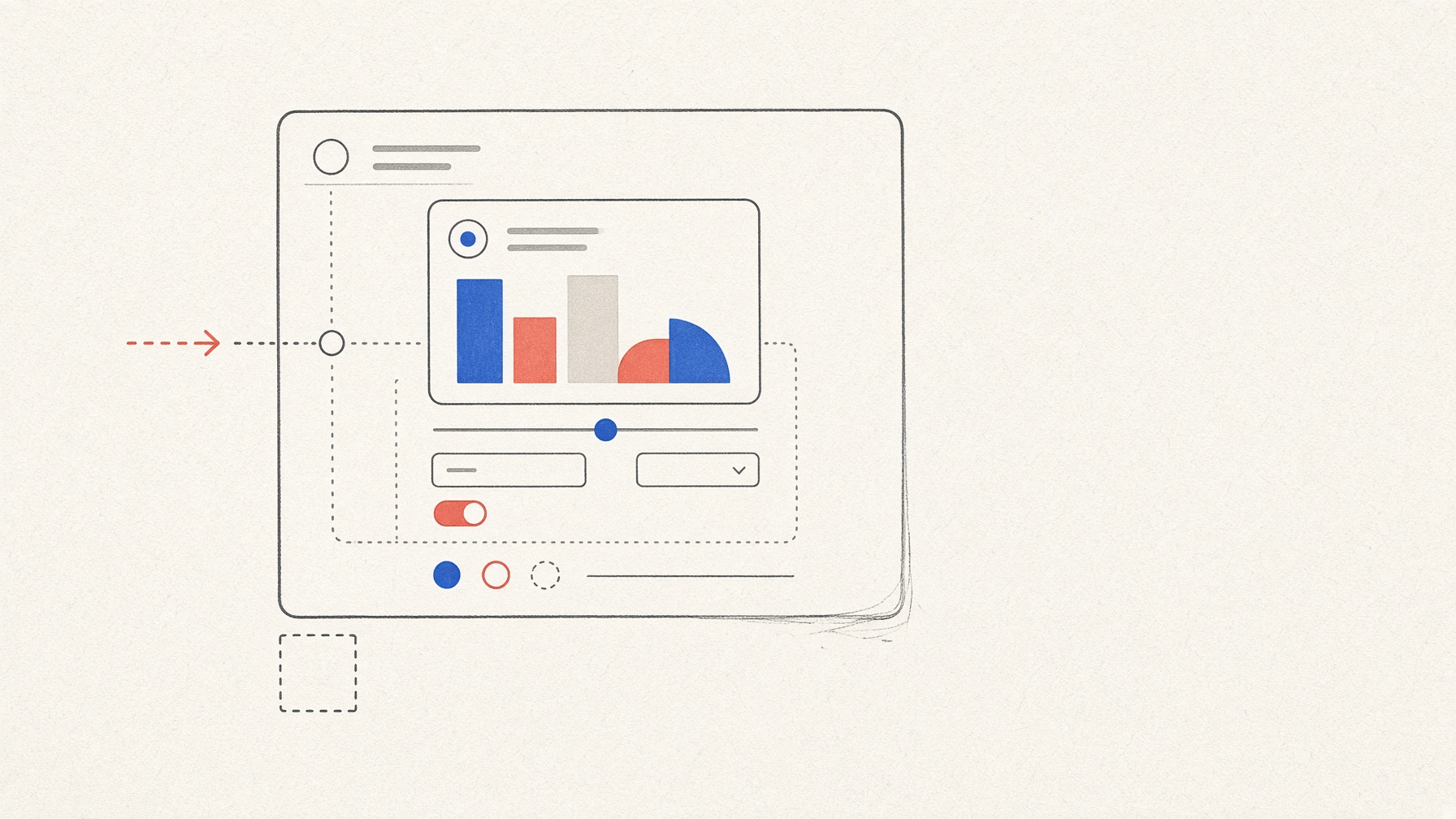
In the official sample program used to display embedded screens—a local reference host—I changed Review from 15 to 25 minutes on a weekly study form. The chart changed, and the total rose from 90 to 100 minutes. It looked like a small web app inside a conversation, but this did not happen inside ChatGPT, Claude Desktop, or VS Code. Displaying an interface, validating input, saving data, informing an AI's next answer, and working in another chat service are separate promises.
To examine those differences, I built a minimal app using only synthetic data. No production conversational product was tested.
In this article
The bridge that displays the interface
MCP Apps is an optional extension that connects a tool to an embedded HTML view. The specification supplies the bridge; a compatible host decides whether and how to display the interface. Forms and charts are not special MCP components. They are ordinary HTML and JavaScript running through that bridge. The design is documented in the stable MCP Apps specification and the official overview.
The app had two tools: one calculated the study record and returned readable text plus view data; the other validated and saved changes from the view. The fixed data was Reading 30 minutes, Practice 45 minutes, and Review 15 minutes, for a total of 90. It requested no device permissions and declared no external content domains.
On September 7, 2026, I tested with Node 24.19.0, MCP Apps 1.7.5, and MCP SDK 1.29.0. The run used commit 92f46a5 of the official local basic-host 1.7.5 reference host. All 25 build checks passed, with a recorded direct incremental cost of USD 0.00. The 25/25 figure covers implementation checks, not the verdicts for the 18 behavior tests below. Those behavior verdicts were judged separately, using browser captures and server logs.
The bilingual form worked, but it also exposed a defect
For both Korean and English, the baseline total of 90 and the edited total of 100 matched across the server result, embedded view, and accessible chart representation. In a separate fallback test (T1), a client that did not report support for an embedded screen received readable text containing the language, all three items, selected item, total, and a note that the interactive view was unavailable.
The unsupported language code zz, however, produced a real defect. The server returned an English fallback and a warning, while the view displayed Korean and showed no warning. A non-numeric value, negative number, over-limit value, and empty list were rejected, but the server-view mismatch meant that I2 was a FAIL. This run could not determine whether the mismatch originated in the app's language handling or the host's behavior.
Storage and AI context are different questions
The successful restoration was not chat memory. The view explicitly saved data under a synthetic session ID inside the local server process. A fresh view sent the same ID and restored the 100-minute total from server_store. This does not prove persistence after a server restart or across a real account, another device, another host, or production storage.
The same-view retention test did not produce changed server-validated state. The close-and-reopen test used the baseline value both before closing and when invoking the app again, so reset could not be distinguished from input overwrite. V1 and V2 were therefore INVALID: the procedures did not support a verdict, which is different from an app failure. The save-failure test S2 was not run and remained NOT TESTED.
A value visible in the view, a server-validated result, a context-update request sent to the host, and an AI's later answer also travel through different channels. This run confirmed only that the app sent the context request Review 25 minutes, total 100. In that narrow send-only sense, C1 was a PASS. Whether the host accepted or rejected the request, and whether an AI received or answered it, were not confirmed. So this run cannot claim the request caused an AI to know the value.
One blocked request is not a security certification
Permission and domain declarations were empty, and the requests I captured used only local test addresses. A control request reached a separate test listener. A request from the embedded view to that same undeclared local listener was blocked by this test setup's Content Security Policy (CSP), a browser rule that limits where a page may send requests, and never reached the listener. This is one observation in one local environment, not a safety certification or proof that data cannot leak. The host's handling of user consent was not tested either.
Results from all 18 tests
PASS means that the stated criterion was met within the scope shown. FAIL marks an observed mismatch, INVALID means the procedure could not support a verdict, and NOT TESTED means the test was not run.
| Area | Result | What the evidence covers |
|---|---|---|
I1 |
PASS |
Form totals: Korean and English baseline 90 and edited 100 matched across server, view, and accessible representation |
I2 |
FAIL |
Unsupported language code: four other errors were rejected, but the server and view disagreed on the zz language and warning |
V1, V2 |
INVALID |
Unsaved state: changed state was not created for one test, and baseline input was resent in the other |
S1 |
PASS |
Explicit save: the process-local server store restored data using the same synthetic session ID |
S2 |
NOT TESTED |
Save failure was not run |
C1 |
PASS (send only) |
The context request left the app; host disposition and AI receipt remain unknown |
C2–C4 |
NOT TESTED |
No AI follow-up, matched control, or complete four-channel comparison |
P1, P2 |
PASS |
Local network checks: empty declarations and one CSP-blocked local request in the reference environment |
P3 |
NOT TESTED |
User-consent handling was not run |
H0 |
PASS |
The pinned official local reference host ran |
H1 |
NOT TESTED |
ChatGPT, Claude Desktop, VS Code, and other production conversational products were not run |
A1 |
PASS |
Tool visibility: the app-only update tool—the one the embedded view used to validate and save changes—was absent from this host's invocation list |
T1 |
PASS |
Text fallback: a client without UI capability received complete Korean and English text |
T2 |
INVALID |
Blocked-view fallback: the comparison inputs differed, so fallback behavior when the view was blocked could not be judged |
The total was 8 PASS, 1 FAIL, 3 INVALID, and 6 NOT TESTED. The absence of an app-only update tool from one invocation list does not prove that every host hides it or enforces the same security boundary.
Four questions to ask when watching a demo
In this exact local reference environment, bilingual interaction, explicit restoration from server storage, and text fallback without a UI worked. The test also exposed an unsupported-language-code defect. Same-view and close-and-reopen state could not be judged, while save-failure behavior, AI follow-up, user consent, and production-product compatibility were not tested.
Before relying on a demo, ask four questions:
- Does a readable result exist without the interface?
- Who stores each value, where, and under which identifier?
- Can you inspect the server-validated result when the screen and answer disagree?
- Are tests that were never run left marked as
NOT TESTED?
Because no AI follow-up was available here, this run cannot tell you which value to trust if a screen and a later AI answer disagree. A small chat app earns trust not through one impressive interaction, but by proving each separate promise.
AI was used to assist with research and drafting. The author independently verified and edited the final article.


답글 남기기