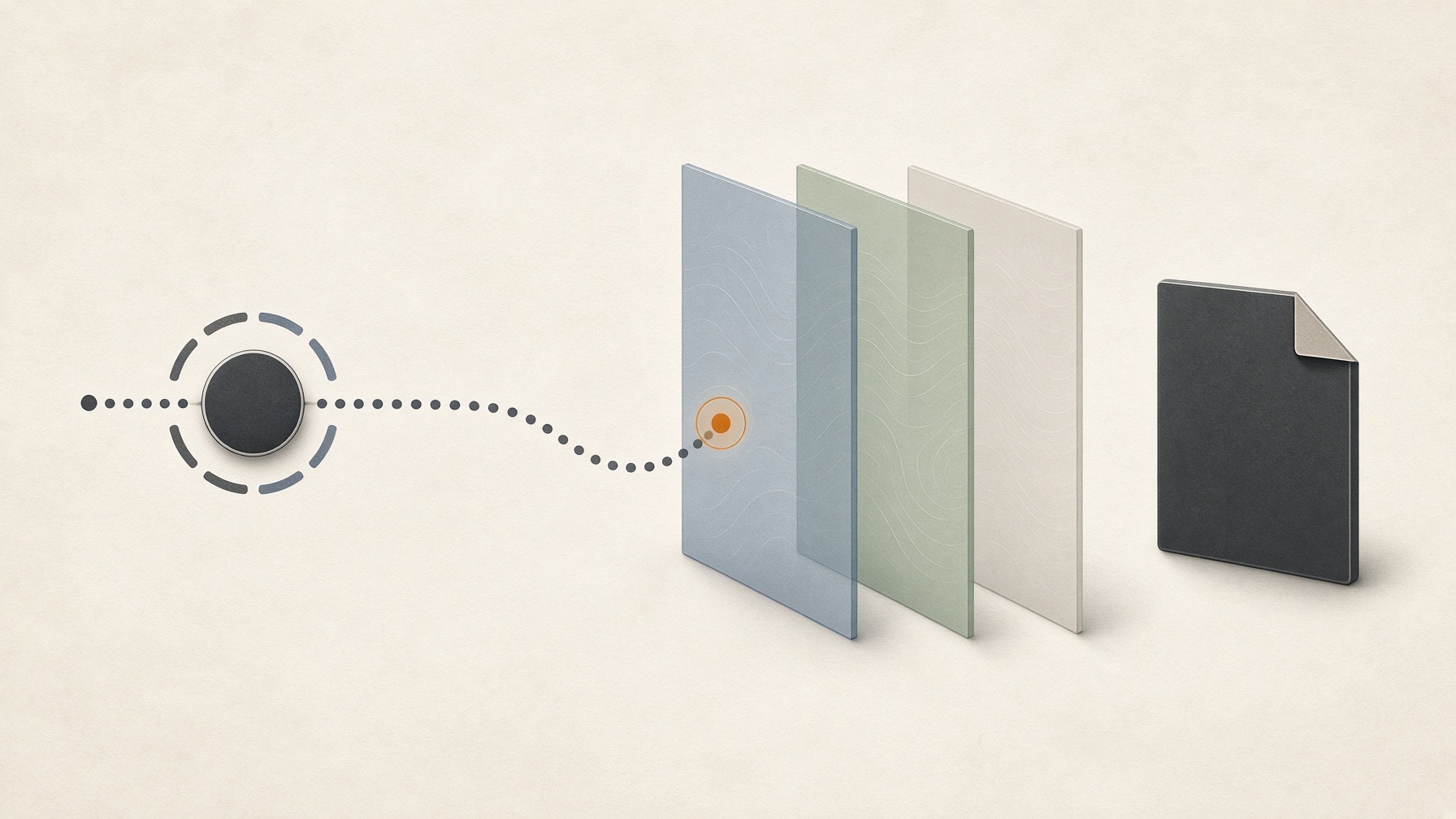
For this article, I did not click Connect. I stopped because there was no record that a test-only account, a private test file, and an environment isolated from other access routes were ready. I did not open an account or login screen, test an OAuth flow, view a consent screen, change permissions, retrieve a file, disconnect inside ChatGPT, revoke access in Google, or inspect retention or deletion, and I took no screenshots. This is not a report claiming that ChatGPT could—or could not—read a particular Google Drive file. It records the questions worth asking before connecting, and it separates what public documentation, rechecked on September 13, 2026, can tell you from what only the account screen can show.
In this article
“Permission to connect” is not a single switch
The phrase “connect Drive” hides at least three different questions.
- What did I grant? This is about the services and permissions shown on Google’s consent screen.
- What did the AI freshly retrieve? This depends on the files the connected Google account could already open, the actions enabled in ChatGPT, and the route actually used for the answer.
- What remains after disconnecting? Whether Google still supplies new content after a ChatGPT-side disconnect, revoking the app from the Google account, text already in a conversation, and deleting saved files or memory are separate matters.
Google’s sign-in and permissions documentation (OAuth) explains that an app can act only within the permissions, called scopes, it was approved for. Google also supports choosing permissions individually for qualifying requests. Neither point tells you what choices a particular ChatGPT consent screen will show until you see that screen. OpenAI’s documentation says users may be able to select fewer Google services but may still need to approve every permission requested for the selected services.
OpenAI’s Google Drive guide distinguishes an individual live connection from administrator-managed sync. According to the guide, one boundary on the files available through a live connection is what the selected Google account could already open. This article planned to examine only an individual connection and did not open either route.
OpenAI also documents ChatGPT action-approval settings that can ask before an action. Those settings are separate from the scope granted on Google’s consent screen and do not automatically narrow it. The exact label and options were not checked in this work.
What public documentation cannot answer
Public documentation cannot populate the current screen for a specific account.
| Question | What public documentation supports | What requires the account screen |
|---|---|---|
Is the connection available? |
Official guidance says availability varies by plan, region, account type, the app or interface used, and workspace. |
Whether an individual live Drive connection appeared on that date for the intended combination of South Korea, plan, account type, and interface. |
How narrowly can access be granted? |
Google recommends requesting only necessary scopes; OpenAI documents service selection. |
The actual consent wording, file-level choice, read-only choice, or required permissions. |
What was retrieved? |
Existing Google file permissions are one boundary. |
Whether a private test file was found from its name alone, and whether the answer showed the Drive connection was used. |
Does a ChatGPT-side disconnect block fresh access? |
OpenAI’s account-connection guide says disconnecting stops future access through that account and distinguishes other connections that may remain. |
Whether new content remained unavailable when rechecked over time after disconnecting. |
Does old content disappear? |
The same guide says disconnecting does not automatically delete existing chats, saved files, or memories. |
What this unrun session retained or deleted. |
The final two rows matter most. “Could not fetch new content” and “old text is no longer visible” are not the same finding. In this article, “disconnect” means turning off the link inside ChatGPT. Revoking the app from the Google account is a separate action that was not examined. The OAuth revocation standard and Google’s revocation documentation explain that a revocation may take time to take full effect, but that alone does not tell you how a ChatGPT-side disconnect is implemented.
The synthetic-data experiment I had planned
The planned procedure uses one private file in a dedicated test-only Google account instead of real material. Its filename and body contain unpublished random markers. Before connecting, a new chat would be asked about the file by name only; after connecting, the same question would be asked again. The baseline check would count only if ChatGPT returned the current body marker and showed evidence that the Drive connection supplied it.
Next, the ChatGPT-side connection would be disconnected. The same file’s body marker would change before each request, while the filename stayed fixed. New chats would repeat the same request immediately, after five minutes, and after thirty minutes. Old conversation text would be inspected separately. A retrieval of any fresh marker attributed to the Drive connection would stop the run immediately. Three misses would still not be written up as proof that the connection was permanently cut off across every account or route.
The procedure is demanding from the start. It requires a test-only Google account and private file that already exist, confirmation that no other connection, upload, Memory, or sync could supply the result, screenshots with identifying details masked, zero cost, and a source indication that identifies the actual connection used.
None of those prerequisites had an observation record in this assignment. The rules for this work excluded creating an account or signing in, and the author’s browser was not opened because doing so could expose personal account information. Every checklist item therefore remained unverified. No account or login screen, OAuth or consent flow, permission change, file retrieval, ChatGPT-side disconnect, Google-side revocation, retention or deletion check, delayed re-query, or screenshot was carried out. The procedure described above is a design record explaining why this run did not start, not a how-to for a personal or work Google account.
Why I did not replace the gap with a mock
A local mock consent screen and fake Drive files were considered but not treated as results. Such a rehearsal would prove only how the mock behaved, not what Google permissions ChatGPT requested or what happened after an actual disconnect.
A public-link file would be no better as a baseline check: ordinary web access could explain the result. Likewise, “I couldn’t find the file” is inconclusive when there is no evidence that the Drive connection was used. It is not a successful block; the cause is unknown.
A three-part checklist before connecting
These are documentation-based questions, not findings from a product test. You do not need to turn a real account into an experiment. If you are considering a connection, separate these checks:
- Grant: Confirm the account, selected services, and every permission sentence. Do not approve if the live screen requires broader access than you are willing to accept.
- Use: Look for evidence of which connection supplied which information. Do not treat a generic success message or a filename alone as proof of a fresh file read.
- Remain: Check retained conversations, saved files, and memory separately from a ChatGPT-side disconnect. Do not assume that disconnect means deletion, Google-side revocation, or the end of access through every other connection. This is not an instruction to probe a real file after disconnecting.
This work cannot show that the product is safe or unsafe. Its strongest conclusion is that without the account-specific consent screen and a baseline check showing which connection was used, I could not produce an answer to “how much can it see?” Separating grant / use / remain before opening the connection makes it possible to avoid declaring success or failure when the necessary evidence is missing.
AI was used to assist with research and drafting. The author independently verified and edited the final article.


답글 남기기