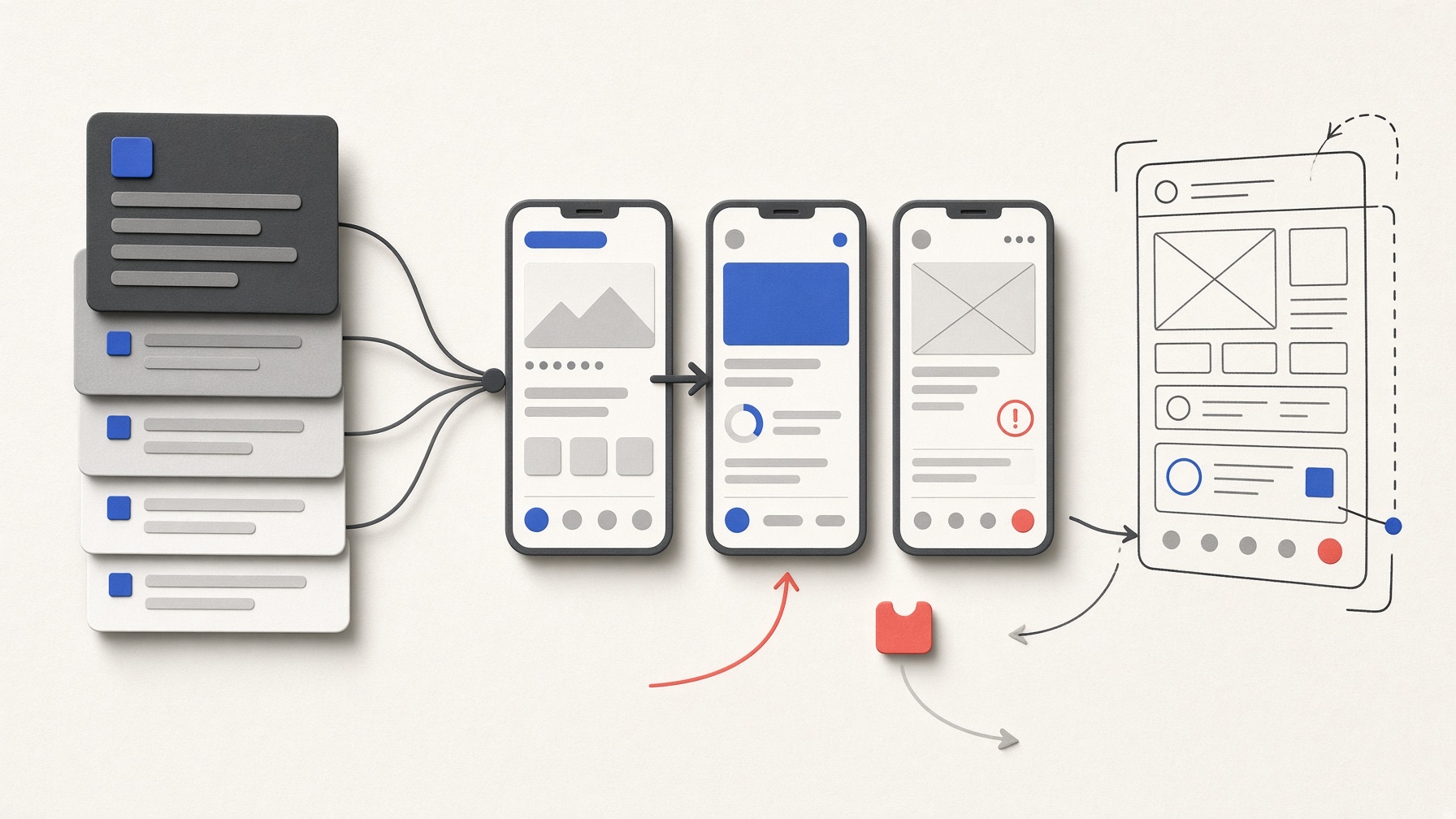
It would be convenient if a directly drawn digital wireframe could immediately become a clickable prototype. This experiment, however, did not use a drawing on paper or a photograph. The comparison used a directly drawn digital annotated wireframe, made by placing shapes and text one by one on a blank local canvas, and a text specification describing the same requirements. For the image route, only the screen-size, accessibility, and local-simulation conditions shared by both routes were added as text. The question was deliberately narrow: not “Which is better?” but “How well can the two inputs implement and revise the same three screens, connections, and validation rules?”
In this article
What Google says Stitch can do
Google announced that Stitch can take natural-language and image prompts and generate UI designs and frontend code. It later described a canvas that can use images, text, and code as context, support iterative changes through natural language, and turn multiple connected screens into a prototype. Google has also announced several handoff routes, including CSS/HTML and Figma. But an official description of an available feature is not evidence that a particular input will work as intended. The results below are therefore limited to the direct observations recorded on September 20, 2026.
Direct observation: one run per route, with no retry or repeated run
The experiment used two separate signed-in Stitch projects that the interface showed as private. On the Stitch web interface, the device type was set to App and the model mode to Balanced. The text was entered first and the wireframe second. Each route received one baseline generation and each of the three predefined edits, E1–E3, exactly once. That made eight actions in Stitch in total, with no retry or repeated run.
For this Korean-language test specification, both baseline results created the three screens, six core controls, and two navigation paths. Within the predefined scope, the error states for no time selected, an out-of-range headcount, and a fully booked time slot—and recovery from each—also worked. Both previews passed limited checks of keyboard operation, accessible names for controls, and behavior at 200% browser zoom. However, when the headcount field was emptied, the text result immediately put 2 back, so its empty-value error could not be tested (not_tested). The wireframe result passed the empty-headcount check. The same selection requirement was also implemented differently: the text result used a drop-down menu, while the wireframe result used two radio buttons.
The edits were not all applied in the same way. In E1, the button-label change was applied directly to the relevant element in both routes. In contrast, the added validation message in E2 and the changed screen connection in E3 were partial regenerations that created new design nodes—separate generated versions in the canvas. No unintended changes were seen in the non-target text, paths, or states that were checked, but the experiment did not inspect every pixel or hidden state.
E3 raised a particularly important caution. Both results met the E3 requirement: the button now led to the second screen and kept the selected time and headcount. Yet the button in both results was still labeled 공간 목록으로 (“to the space list”). The behavior changed, but the label no longer matched where the button led. Passing a behavior check and having a label people can understand turned out to be separate matters.
The usage display read 0 / 400 before the run and 12 / 400 at the final observation. Some intermediate values updated late, so the record does not calculate credits per action or assume that the final figure included the last action. No monetary charge, purchase prompt, or trial prompt appeared during the run.
When the image was uploaded, Stitch displayed a notice that uploaded images receive a stable public URL for HTML export. That condition was accepted only for the one independently privacy-checked synthetic wireframe used in this experiment. This observation does not tell us whether the project or prototype appears in a public listing, whether the URL can be discovered, how long the asset is retained, whether it remains confidential, or whether it is used for models. Until the exposure and data-handling terms have been checked separately, it is safer not to upload sensitive or identifiable material.
What the result means: observing a prototype is not verifying handoff
In this single run per route, both inputs met the predefined requirements for the connected prototype and the three edits. But because there were no repeated runs and the generated controls differed, the evidence does not establish that either input method is better. It also does not support a success rate. The keyboard, accessible-name, and zoom checks were only limited observations of the preview, not a full accessibility audit.
The interface included export controls, but they were not used. No files were downloaded, the actual frontend files and dependencies were not inspected, and the code was not run locally. Developer handoff—turning the design into files a developer can actually use—therefore remains not_tested: it was not tried, so it neither passed nor failed. Official announcements and visible buttons cannot fill that evidence gap.
A checklist for trying a similar tool
- Define the same screens, text, paths, and error conditions for both inputs before you begin.
- Specify both what should change and what must not change.
- Try empty values, out-of-range values, normal recovery, keyboard operation, and zoomed states yourself.
- Distinguish a direct change to an element from partial regeneration.
- Before entering anything, check how credits are counted and what the image-URL and data-handling terms say; do not upload sensitive information until those terms are clear.
- Record preview success separately from file-handoff verification.
Generative UI canvases are intriguing tools for trying out a connected flow in a preview. But even after the result appears to work, you still need to record whether its labels match its actual behavior and which steps remain untested. The most useful output of this experiment was not a winner’s table. It was that record of where the evidence stops.
AI was used to assist with research and drafting. The author independently verified and edited the final article.


답글 남기기