We tested one AI-built practice sign-up form using automation, twice per condition. On the evaluated routes, the initial build already reached completion but did not display the entered values. One code revision added that information. This was not a test of user success rates or AI’s general capabilities. Actual 200% zoom was not tested, and part of the keyboard route in the Korean-language form remained unevaluated.
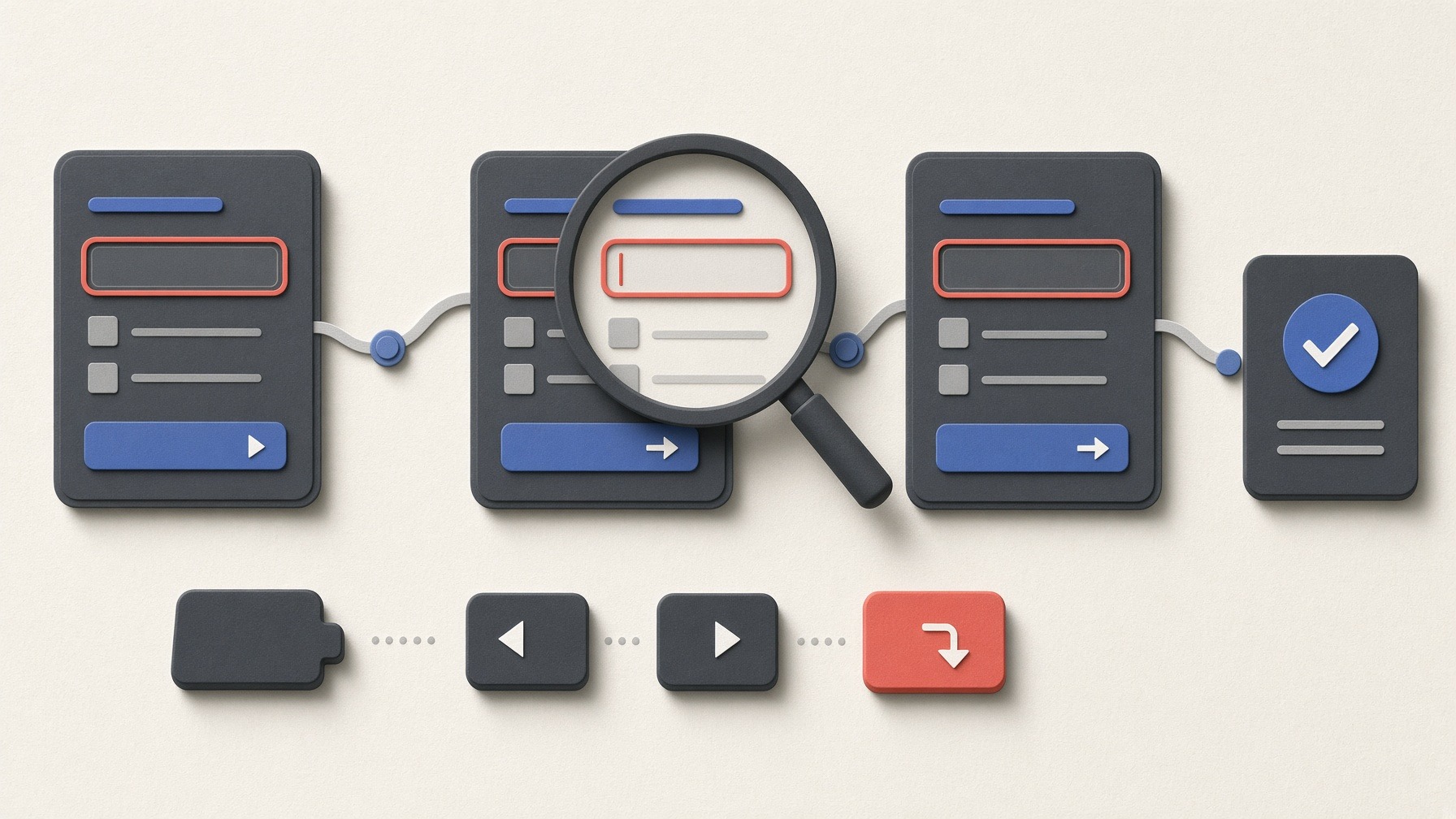
This is a conceptual illustration, not a test screenshot or evidence of successful zoom operation.
In this article
Guidance and our distinctions: reaching, operating and enlarging
W3C’s Understanding Keyboard explains that functionality must be operable through a keyboard interface. In this article, we distinguish reaching a control, seeing where keyboard input will act—its “focus”—and actually operating it.
Understanding Resize Text explains that text, except captions and images of text, must support enlargement up to 200% without losing content or functionality. Our narrower-page test cannot substitute for that enlargement test. WAI’s Easy Checks also explains that accessibility barriers can remain after preliminary checks. These are explanatory guides, not a conformance verdict on this form.
What we observed: reaching completion versus displaying the values
The intended route on September 27, 2026 was details → review → completion. Automation left the name blank and entered invalid as the email to trigger rejection, then corrected the fields to 연습 참가자 (“Practice Participant”) in the Korean-language form or Demo Participant in English, and demo@example.com. It used the form’s own Back action, attempted to change the session from Morning to Afternoon and submitted only where that change was confirmed. All details were synthetic.
B0 is the initial build; B1 is the build after one code revision. The recorded generation configuration was the Codex CLI command-line tool, gpt-6-astra, with high reasoning. The prompt requested semantic HTML and visible field labels. A separate directory was used, but the generation response alone did not independently verify which earlier context or actual model settings the tool used.
Automation used headless Chrome 153.0.8010.53—without a visible browser window—on macOS, with Node v24.19.0 and Playwright. It read the page’s internal structure, the DOM, to help find targets; this was not a person navigating by sight. The pointer condition also clicked the selector and then used the pointer-equivalent program command selectOption to choose a value. No keyboard run used a pointer to get past a blocked action: 0/8 keyboard runs in each build. Visual verification of the key sequences was partial.
Each table row represents two repetitions in each build. The reference viewport was 1280×900 CSS pixels, the units used for page layout; the narrow viewport was 640×900. In the records, M100 means pointer interaction and typing, K100 means keyboard at the reference width, and K200 names the narrow keyboard condition, with no actual zoom or text enlargement.
The criteria check the DOM for the name, email, Afternoon selection, and local-demo and nothing-sent statements on the completion screen. Counts meeting those criteria are neither screen-arrival counts nor human success rates. Earlier input, error recovery and Back navigation were tested even in the Korean-language keyboard conditions.
| Form language / condition | B0: screen reached; criteria met / evaluated | B1: screen reached; criteria met / evaluated | Completion evaluations / assigned runs, each build |
|---|---|---|---|
Korean / pointer, reference width |
Reached; 0 met / 2 evaluated |
Reached; 2 met / 2 evaluated |
2 evaluated / 2 assigned |
Korean / keyboard, reference width |
Changed-session completion not tested |
Changed-session completion not tested |
0 evaluated / 2 assigned |
Korean / keyboard, narrow width |
Changed-session completion not tested |
Changed-session completion not tested |
0 evaluated / 2 assigned |
English / pointer, reference width |
Reached; 0 met / 2 evaluated |
Reached; 2 met / 2 evaluated |
2 evaluated / 2 assigned |
English / keyboard, reference width |
Reached; 0 met / 2 evaluated |
Reached; 2 met / 2 evaluated |
2 evaluated / 2 assigned |
English / keyboard, narrow width |
Reached; 0 met / 2 evaluated |
Reached; 2 met / 2 evaluated |
2 evaluated / 2 assigned |
Both repetitions in each row had the same outcome. Of 12 assigned runs per build, eight had completion screens evaluated. B0 reached that screen in all eight, but it did not show the name, email or Afternoon selection. It did show the local-demo and nothing-sent statements. The plan and evaluation criteria required the final values to appear again, but the original generation prompt omitted that requirement. B0 had not disobeyed its instructions. B1 added the information and met the criteria in 8/8 evaluated runs. The demonstrated change was added information, not the removal of keyboard or zoom barriers.
In each build, DOM checks confirmed invalid-input rejection, correction, initial review and Back navigation in 12/12 runs. The automation used predetermined corrected values; this does not show that a person understood the error guidance. Values were retained at 44/44 checkpoints in each build: eight paths that changed the selection × four checkpoints, plus four Korean-language keyboard paths that never selected Afternoon × three checkpoints. Afternoon review was reached in 8/12 runs per build: 4/4 pointer-equivalent runs and 4/4 English-language keyboard runs that typed the prefix Af to choose Afternoon.
In both builds, the selection change remained unevaluated in 4/4 Korean-language keyboard runs. Automated ArrowDown (Down arrow) and End keys did not change the value. The tool did not support sending Korean (Hangul) prefix-selection input, so it skipped that attempt. After Space, ArrowDown and Enter, the details page advanced to review with Morning still selected, and the run stopped. This was not final submission; the later Alt+ArrowDown fallback never ran. The record classifies Afternoon selection and dependent completion as not tested because of testing-tool/environment limitations. That is a classification, not a conclusive causal diagnosis: it establishes neither an app keyboard defect nor correct operation.
The test tool changed, and some screens remain unseen
The table reports results obtained after three revisions to the test tool. Three earlier batches stopped in 12/12 runs each—36 stops in total—and were excluded from the denominators. The first contained six cases where the tool could not map 시간 (“Time”) to either a section or the selector, plus six selection-change stops. The second had 12 selection-change stops. The third had eight completion-information mismatches and four unresolved Korean-language selection operations. Those eight mismatches observed the same unmet criterion later scored in B0; they were not added to the scored results. Exclusion does not mean every observed mismatch was a false app failure.
The tool was changed to prefer the selector; the app’s duplicate “Time” names were not changed. Their effect on voice operation, for example, remains untested. The earlier email value 오후 (“Afternoon”) was classified as a tool error: keys continued in the email field after focus moved, though the trace does not expose exactly when it moved. It was not counted as app data loss. The generating AI’s own initial browser check also failed to launch and did not verify the screens.
The visual record comes from the then-coordinator, Claude (Opus 5.5), inspecting four of ten shortlisted images: English completion, the English narrow-width selector and completion, and the first Korean narrow-width error state. In the last image, the name field’s focus ring and both errors were visible. The restart ring on English reference-width completion was partly cut off at the bottom, but the coordinator judged it identifiable. The narrow-width selector’s ring also touched the bottom edge. Six images, including B0 completion, and readability, focus visibility and obscuration in other states remain unverified. B0’s missing values were a DOM finding, not part of those four image judgments. Horizontal overflow—content spilling beyond the page width—was detected in 0/910 B0 measurements and 0/902 B1 measurements. That does not establish readability in every state.
The experiment used one of three allowed app repairs and two of four generation requests. Under the frozen priority—completion information, lost input/error information, then focus/layout—the evaluated B1 omission was resolved and the remaining stops were classified as tool/environment limitations. B2 and B3 were not run. The limited image review also identified no barrier judged to require another repair. Unviewed screens, Korean-language selection and the ring-edge observations remain open; this is not a zero-defect finding.
Generation and repair response time totaled 6 minutes 33 seconds; the span from the first build to the end of B1 testing was 1 hour 52 minutes 59 seconds. Total working time, human task time and productivity were not measured. The incremental spending cap was USD 0; actual billing and token costs were unverified. The separately retained English-language experiment record links the prompts, excluded batches and evidence for each repetition.
Editorial judgment and a checklist for recording results
My editorial judgment is to specify the values needed on the completion screen in the initial generation request. Here, a planned requirement was not passed to the builder; after an explicit request, those values appeared on the evaluated routes. A change in this one implementation does not guarantee the same benefit for readers.
Actual zoom and intermediate levels, the separate test of content reflow at 320 CSS pixels, screen-reader speech, the Korean input method that turns keystrokes into Korean characters, other browsers and mobile devices, and disabled users’ experiences remain untested. Checking the nothing-sent statement was not a network audit. The deferred Grok planning and interview reviews were completed and adjudicated on October 5, 2026, using pre-experiment material. They were retrospective editorial reviews, not independent validation of the run.
The following checklist for recording results condenses the planning procedure for this article. Its effectiveness has not been validated, and it is not a certification checklist. Mark Yes, No or Not tested, and note the screen, values and point where progress stopped. The first item, actual zoom, was not tested in this experiment.
| What to check | Yes / No / Not tested · Evidence notes |
|---|---|
Did you verify the actual browser zoom level, then read the text and errors and operate the buttons? |
|
Did you check focus immediately after each screen transition and where the next Tab moved it? Was the focused control partly or fully hidden by other content? |
|
Could you find and correct invalid input while retaining the other values? |
|
After using the form’s Back action, could you change the selection and verify the required values on review and completion? |
|
After changing the code, did you retest the entire flow in every language version and every interaction condition? |
AI assisted with research and drafting. The author reviewed the final manuscript and directed the revisions.


답글 남기기