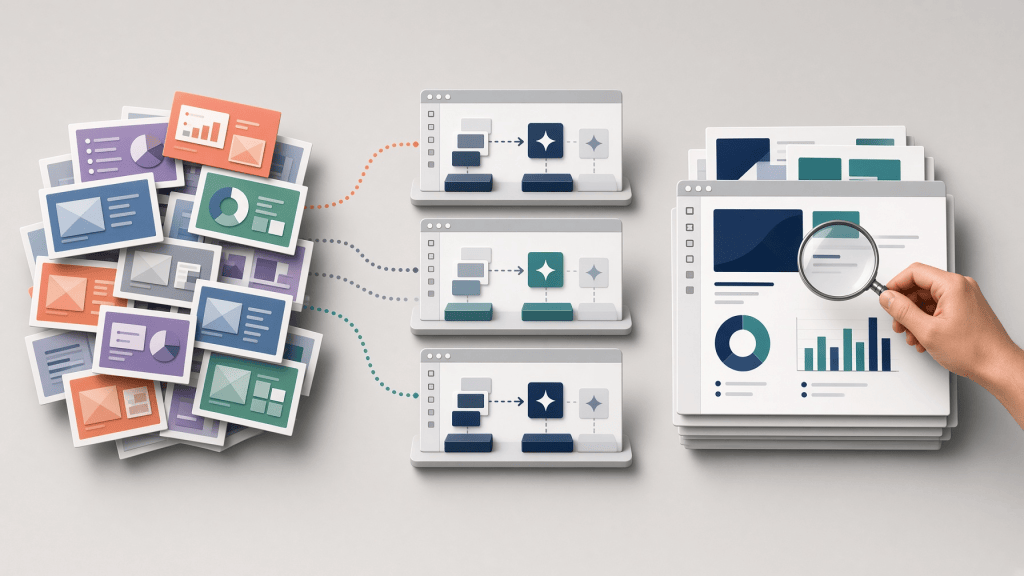
Combining PowerPoint slides made by several people usually leaves one tedious job at the end. Fonts, title positions, colors, and shapes still need to be standardized so the deck looks as though one person created it. I sent the same request to Lovable, Bolt, and Replit, three services that build a web app from conversational instructions, and stayed on each one's free plan. An AI coding agent, OpenAI Codex, operated all three under the same procedure; this was not a hands-on test by a non-developer.
The goal was to upload an approximately 20-slide source deck and a reference PowerPoint containing the target style, preserve every word and number, and download a newly formatted .pptx file. All three tools created a valid 20-slide file with the original text intact. Every output still required readability fixes. I had aimed to finish review and cleanup within 10 minutes, but I did not separately time that work, so this article does not say whether the goal was met.
My original prompt also affected the outcome. It required content preservation and target-style application, but it did not tell the app to evaluate text against the actual background or shape beneath it. I did not leave those conditions out deliberately. I compared the first result, made with that gap, against the result after one correction written in plain language.
In this article
The results at a glance
| What I checked | Lovable | Bolt | Replit |
|---|---|---|---|
First output on day one |
Not obtained before the free limit |
Not obtained before the free limit |
Downloaded the same day |
Preserved all 20 slides and every text entry (111 entries, 864 characters) |
Yes |
Yes |
Yes |
Visual change in the first output |
Largest restyle; slides 7, 11, 15, and 19 were unreadable |
None visible |
Changed, but five slides had weak contrast |
Second request |
Contrast fix; same problem remained |
Fixed the no-change cause; style changed |
Contrast fix; other failures appeared |
Main remaining problem |
Slides 7, 11, 15, and 19 remained unreadable |
Weak contrast on six slides |
Text remained in the file but was not visible on five slides and inside cards on two |
Further readability fixes required |
Yes |
Yes |
Yes |
Only Replit produced a downloadable file on day one within the free allowance. Lovable's first file came the next day after free credits reset. Bolt's came two days later, after free tokens reset and a problem with uploading files in its preview was resolved. No extra payment was made. Each still left a gap between “a new file exists” and “the deck is ready for work.”
What changed in the actual PowerPoint files
I used synthetic material rather than company data. The 20-slide source mixes four fonts and four background systems, as if four authors had made it. The reference deck uses a white background, navy text, teal accents, Aptos-family fonts, and consistent margins.
The actual experiment inputs. Both are synthetic. The source contains 111 text entries, 864 characters in total, used for comparison.
I did not accept an in-app completion message as evidence. I downloaded each output, checked its slide count and text, rendered all 20 slides, and inspected them for clipping, overlap, and unreadable content.
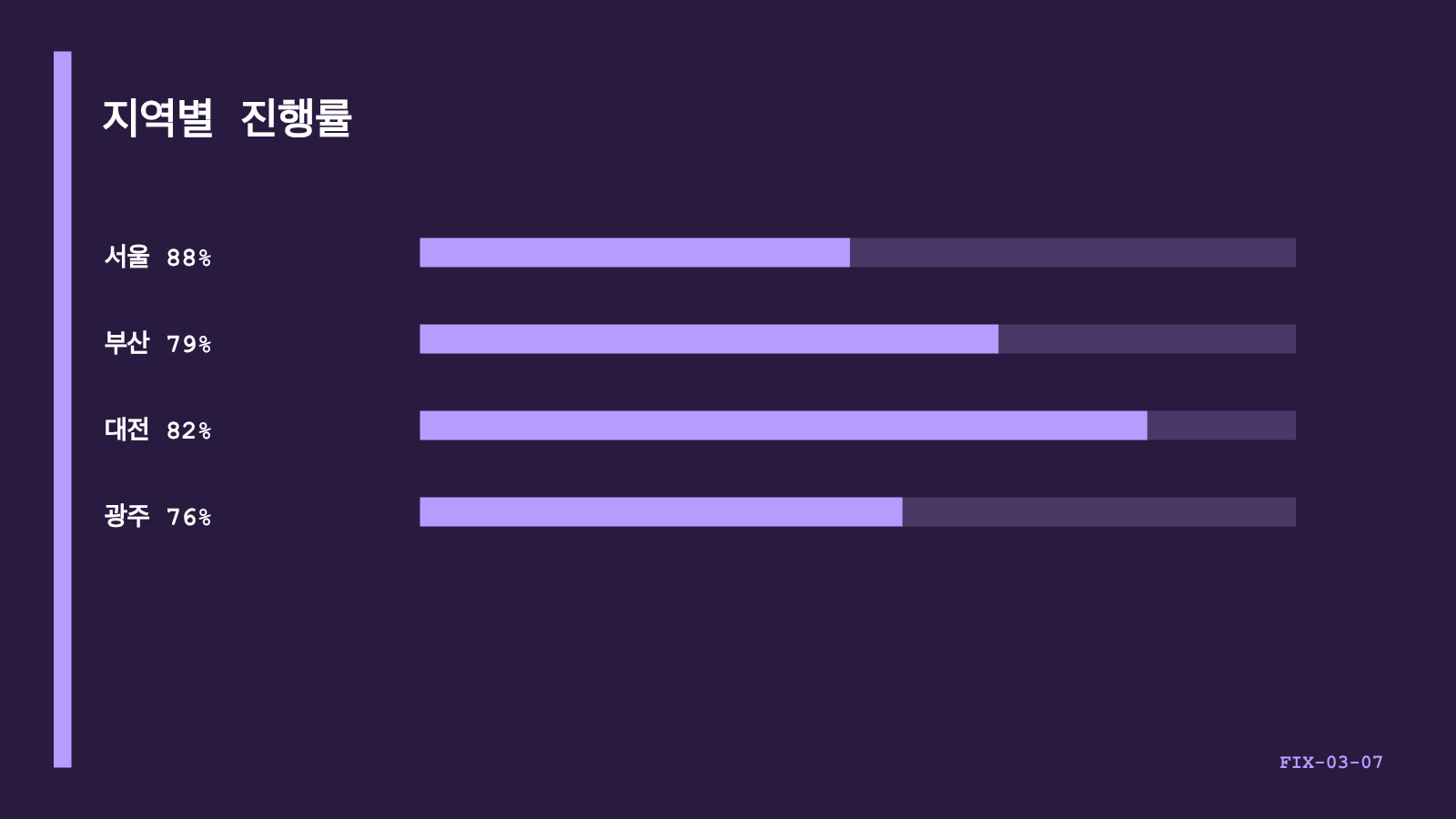
source-mixed-20-slides.pptx.
lovable-output-second-run.pptx.Lovable produced the largest visible restyle, not a finished cleanup: four slides became unreadable. I asked it to choose text colors after checking the background and shape beneath each text box. The second file retained the same problem even though the app reported that contrast had been fixed. (first output, second output)
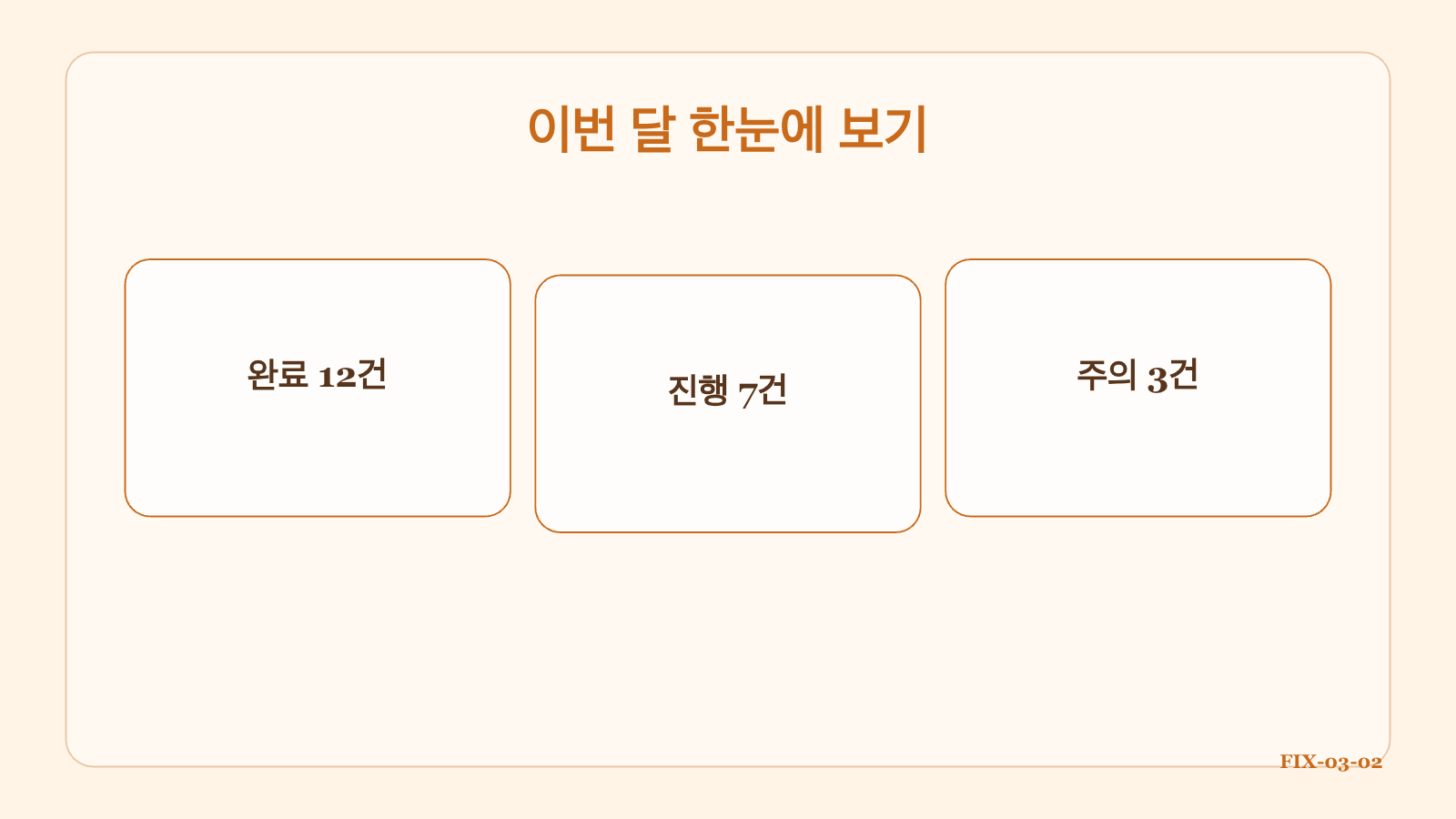
source-mixed-20-slides.pptx.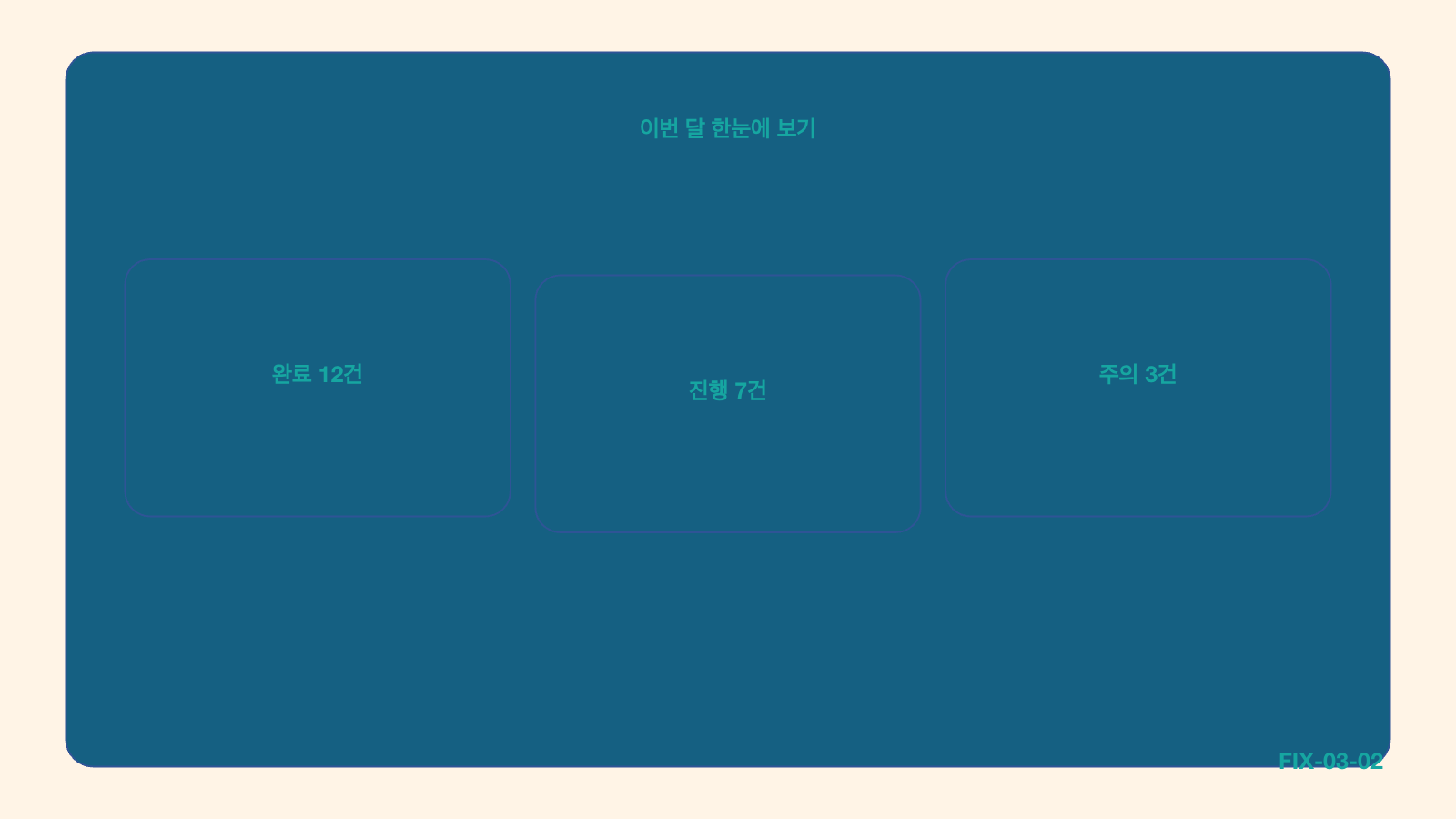
bolt-output-second-run.pptx.Bolt's first output looked identical to the source when converted to screen images. After Bolt corrected the logic that found editable elements, the app's own report counted 111 formatted regions and 123 changed shapes in the second file. The functional correction worked, but dark shapes and teal text created new readability problems. (first output, second output)
replit-output-second-run.pptx.Replit produced a first file the same day. Its screen showed 11 minutes of processing time. That file had weak contrast on slides 3, 7, 11, 15, and 19. After a correction, the light slides looked more consistent, but text that remained in the file was no longer visible on slides 2, 6, 10, 14, and 18 and inside cards on slides 3 and 4. (first output, second output)
How the three tools differed
- Lovable made the strongest first visual change. Its completion report and correction were less dependable when checked against the downloaded file.
- Bolt changed nothing at first, but it gave the clearest explanation and correction path. The final color combinations were still poor.
- Replit was the only tool to reach a first download and rerun on day one within the free allowance. Unreadable areas remained after correction, so an earlier file did not guarantee finish quality.
This is not a general ranking of their app-building ability. It is one PowerPoint automation task covering an initial generation and one correction on the free tiers. The input excluded complex charts, SmartArt, external images, and animations. I also did not independently measure the generated apps' network traffic.
A better prompt needs decision rules
Standardizing a deck is more complicated than replacing one color with another. Teal text may be clear on white and nearly disappear on navy. Changing a shape's fill may also require changing the text on that shape.
A user does not need to prescribe every coordinate, color value, or line of code. Three kinds of rules matter more:
- What must not change: slide count, every word, number and table entry, and the original file.
- What must be evaluated together: actual background and text color; shape fill and text above it; cards, tables, titles, body text, and page numbers.
- What counts as complete: inspect every slide and do not report success while unreadable content remains.
Specific feedback changed real outputs for Bolt and Replit, but one precise correction still did not finish the whole deck. I did not separately test a first prompt that included the stricter contrast rules from the start.
If I built the app again, I would include this near the beginning:
The complete original prompt, in Korean only, remains available as separate reproduction material.
The services and their free tiers
All three are vibe-coding tools that create a web app from conversational instructions. Lovable emphasizes rapid visual results and conversational refinement. Bolt combines generation, preview, and project files in a browser workspace. Replit connects AI building with a broader cloud development environment. (Lovable, Bolt, Replit)
| Service | Free building allowance |
|---|---|
5 build credits per day, up to 30 per month; consumption varies by request complexity. |
|
300,000 tokens per day and 1 million per month; reading existing project files also consumes tokens. |
|
Daily Agent credits within a monthly cap; the official page did not state a fixed quantity. |
Reconfirmed from official pages on September 6, 2026.
Credits and tokens use different accounting systems, so the numbers are not directly comparable. These terms change often. Check the official pricing pages before relying on them.
Conclusion: every file still needed a full 20-slide check
In this experiment, a Codex agent used natural-language requests to reach a working app that read two PowerPoint files and created a new one. That demonstrates file-processing capability in these builders, but it does not establish direct non-developer usability.
All three tools preserved the source and showed different practical strengths. None produced a result I could trust without inspecting all 20 slides. For this deck, all three worked as first-pass cleanup tools rather than finishing tools. Any time saved still had to include inspecting the downloaded file, finding contrast and layout failures, and requesting another correction.
Sources and reproduction material
- Product and free-tier information: official links above, rechecked September 6, 2026
- Experiment design and execution: fixture specification and experiment log
- Actual inputs and outputs: source, reference, Lovable, Bolt, and Replit PowerPoint links above
- Exact original request: builder-prompt.md
AI was used to assist with research and drafting. The author independently verified and edited the final article.


답글 남기기